1
CAPTURING PHOTOS IN VIDEO RECORD MODE (STILL SHOT)
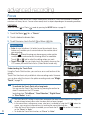
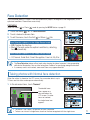
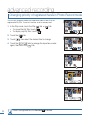
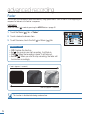
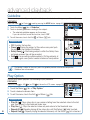
Your camcorder can capture photos without interrupting video recording, even in STBY mode.
PRECHECK!
Select the Video (
) mode by pressing the MODE button. page 49
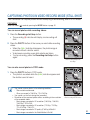
You can record photos while recording videos.
00:00:30
[80Min]
85
MIN
[80Min]
85
MIN
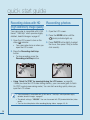
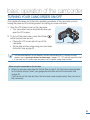
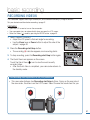
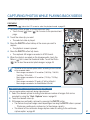
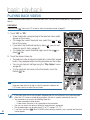
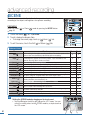
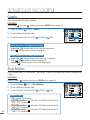
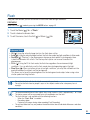
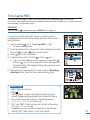
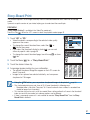
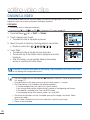
1. Press the Recording start/stop button.
• The recording () indicator will display, and recording will
start.
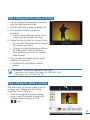
2. Press the PHOTO button at the scene you want while recording
videos.
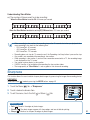
• When the () indicator disappears, the photo image is
recorded without a shutter sound.
• Video keeps recording, even while photos are taken.
• To stop recording, press the Recording start/stop button
again.
00:00:48
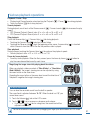
<Dual recording during video
recording>
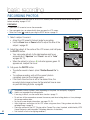
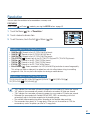
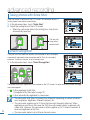
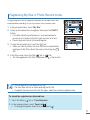
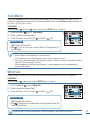
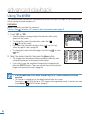
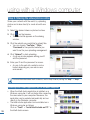
You can also record photos in STBY mode.
STBY 00:00:00
[80Min]
85
MIN
00:00:00
[80Min]
85
MIN
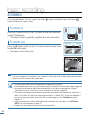
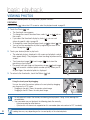
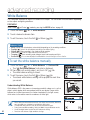
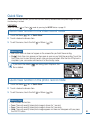
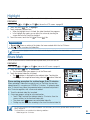
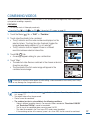
1. Press the PHOTO button in STBY mode.
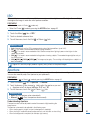
• The photo is recorded while the () indicator appears and
the shutter sound is heard.
• You cannot capture photos in the following conditions:
- Slow motion record mode.
- When you record in 1080/50p, 720+576/25p
• You cannot use the flash during dual recording.
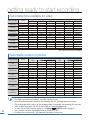
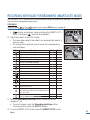
• Resolution of the captured photos differs according to the resolution
of the recorded videos:
- Movie images recorded in HD resolution (1080/50p, 1080/50i,
1080/25p): 1920x1080
- Movie images recorded in HD resolution (720/50p, 720/25p,
720+576/25p): 1280x720
- Movie images recorded in SD quality (576/50p): 896x504
- Movie images recorded in the Web&Mobile: 640x480
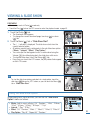
<Dual recording in STBY mode>
43