1
Designing Labels
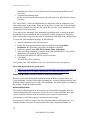
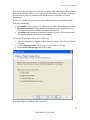
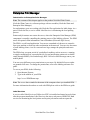
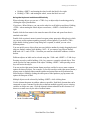
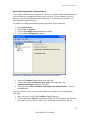
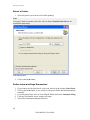
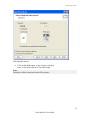
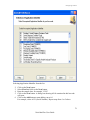
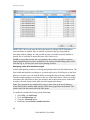
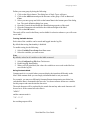
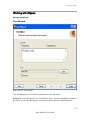
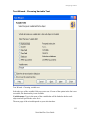
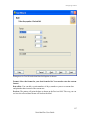
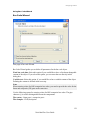
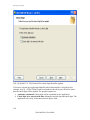
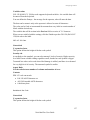
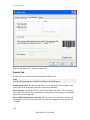
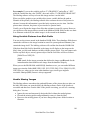
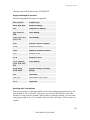
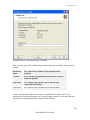
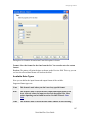
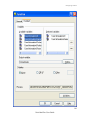
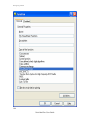
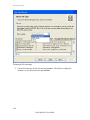
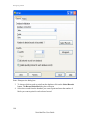
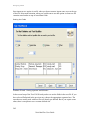
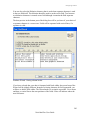
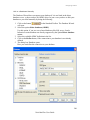
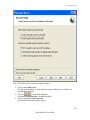
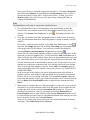
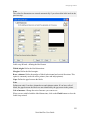
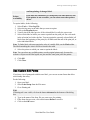
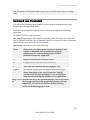
Dialog box for Variable Wizard when Date field option is chosen
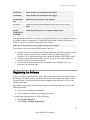
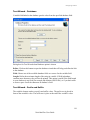
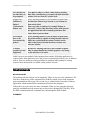
Format: Select the format for your date from the list. You can also enter the custom
format.
Date offset: You can add a certain numbers of days, months or years to a current date
and print that date instead of the current one.
Preview: The printer will print the date as shown on the Preview field. This way you can
see how the selected date format will look on the label.
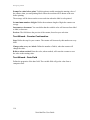
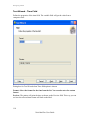
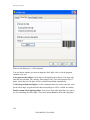
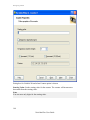
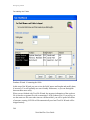
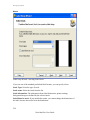
Variable Wizard - Time Field
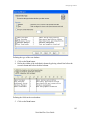
Define the properties of the time field. The variable field will get the value from a
computer clock.
166
NiceLabel Pro User Guide