1
Designing Labels
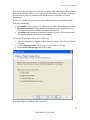
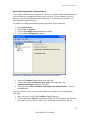
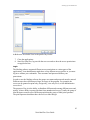
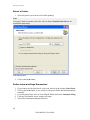
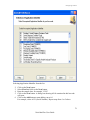
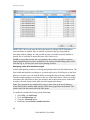
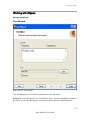
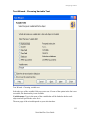
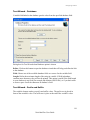
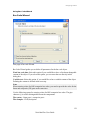
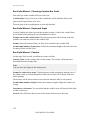
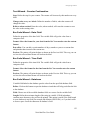
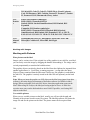
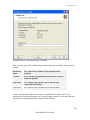
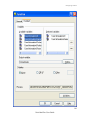
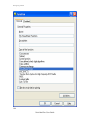
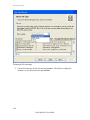
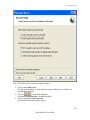
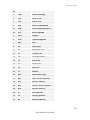
Selecting bar code type
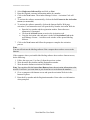
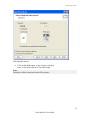
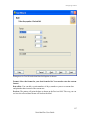
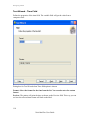
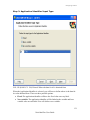
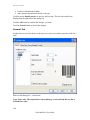
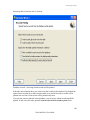
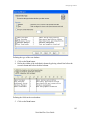
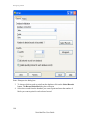
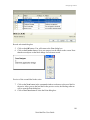
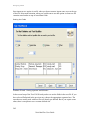
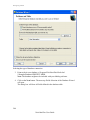
7. Click on the Finish button to return to the label.
8. Change the position of the bar code by selecting the bar code and dragging it to the
desired position.
9. Change the object size by dragging the object handles. The handles are small
rectangles surrounding the object when it is selected.
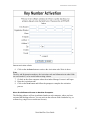
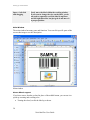
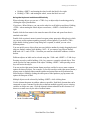
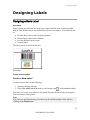
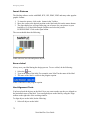
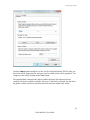
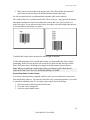
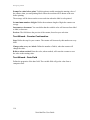
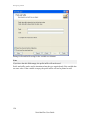
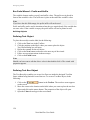
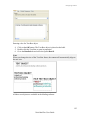
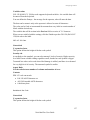
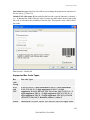
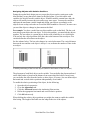
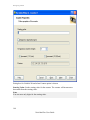
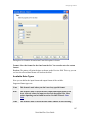
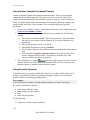
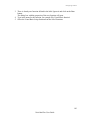
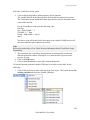
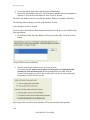
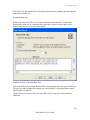
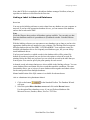
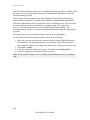
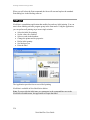
The label should now show the following:
Label with text and bar code objects
71
NiceLabel Pro User Guide