1
User Guide of netis PON OLT
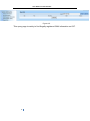
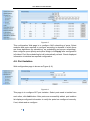
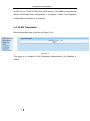
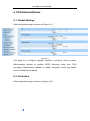
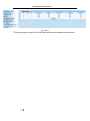
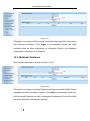
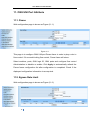
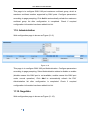
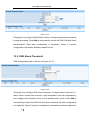
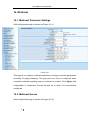
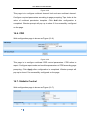
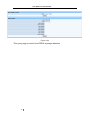
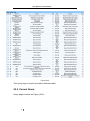
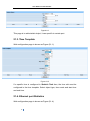
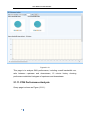
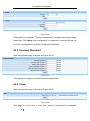
Figure 6-2
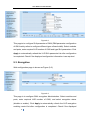
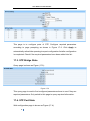
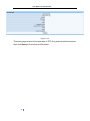
This page is to configure PON modules. If configuration is required, all PON
ports of PON modules must be in unmanaged status (all PON ports
Administration are disabled), then configure as required.
6.3. Optical Power
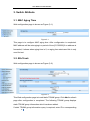
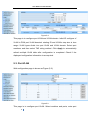
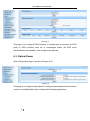
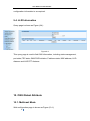
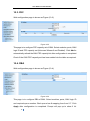
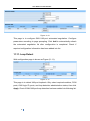
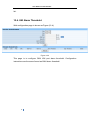
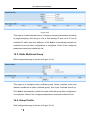
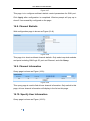
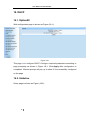
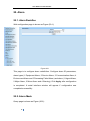
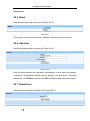
Web configuration page is shown as Figure (6-3):
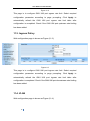
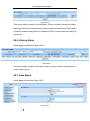
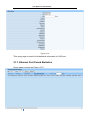
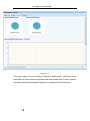
Figure 6-3
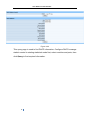
This page is to configure optical power. Configure optical power detector switch
control as enable/disable, then configure the following parameters.
24