1
Installation
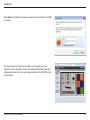
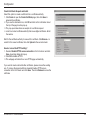
Click Finish to complete the installation.
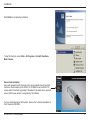
To start D-ViewCam, select Start > All Programs > D-Link D-ViewCam >
Main Console.
Device Pack Installation
Users who already have D-ViewCam v3.1x version installed must first install
the Device Pack included on the DCS-3715 CD-ROM to use the DCS-3715
camera with D-ViewCam. Upgrading D-ViewCam to the latest device pack will
ensure that the new camera is recognized by the software.
For more information about D-ViewCam, please refer to the documentation on
the D-ViewCam CD-ROM.
D-Link DCS-3715 User Manual
21