1
[J]
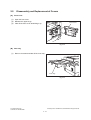
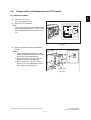
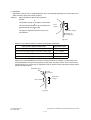
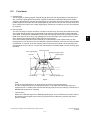
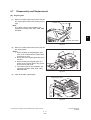
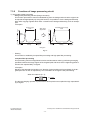
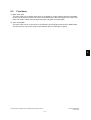
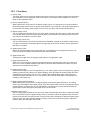
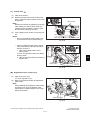
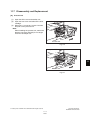
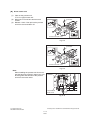
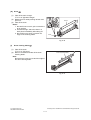
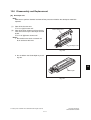
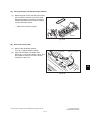
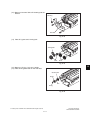
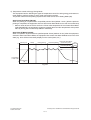
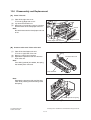
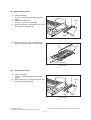
Drum separation finger
(1)
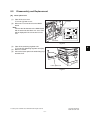
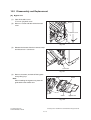
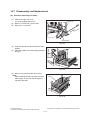
Take off the drum.
" P.11-14 "[H] Drum"
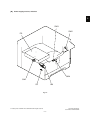
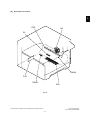
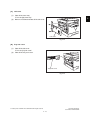
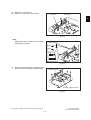
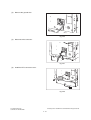
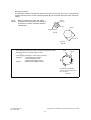
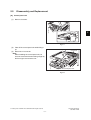
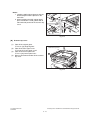
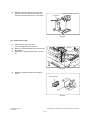
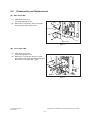
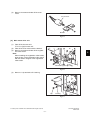
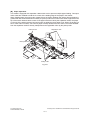
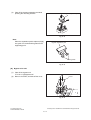
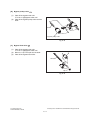
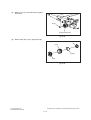
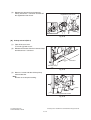
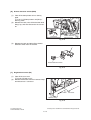
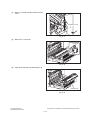
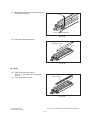
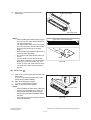
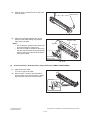
(2) Take off 2 drum separation finger units by
removing 1 screw each.
Note:
When replacing the drum separation fingers,
make sure that the drum has been taken off
first since the fingers may scratch the drum
surface.
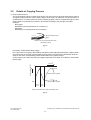
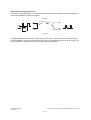
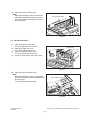
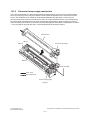
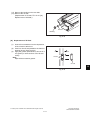
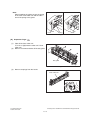
Drum separation finger unit
Fig. 11-22
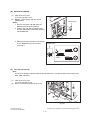
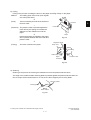
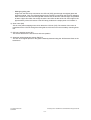
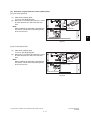
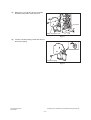
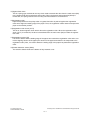
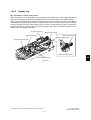
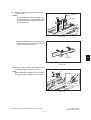
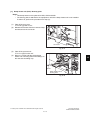
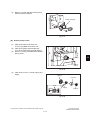
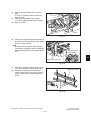
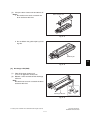
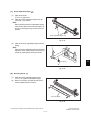
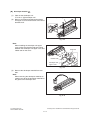
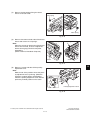
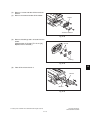
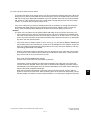
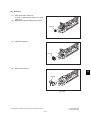
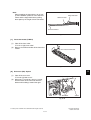
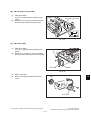
(3)
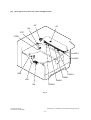
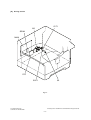
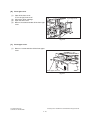
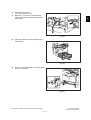
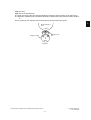
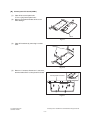
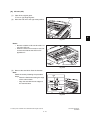
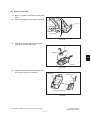
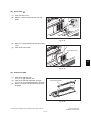
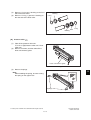
Take off the drum separation finger with the
spring.
Note:
When the drum separation fingers have been
replaced, check if the pressure movement is
normal by moving them with your hands.
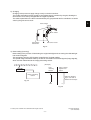
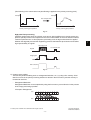
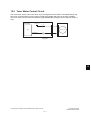
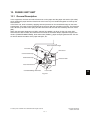
Drum separation finger
Spring
Fig. 11-23
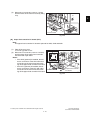
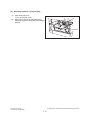
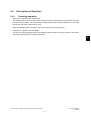
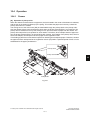
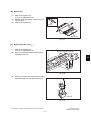
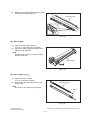
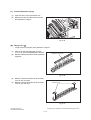
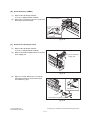
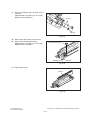
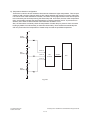
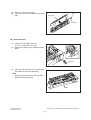
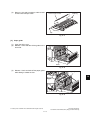
[K] Recovery blade
(1)
(2)
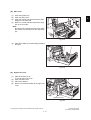
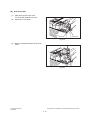
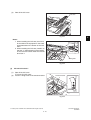
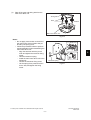
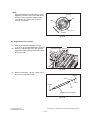
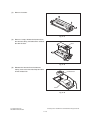
Take off 2 drum separation finger units.
" P.11-15 "[J] Drum separation finger"
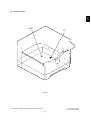
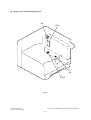
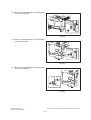
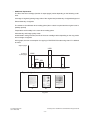
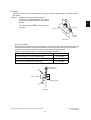
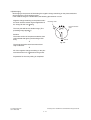
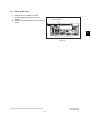
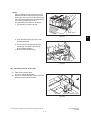
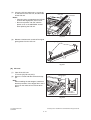
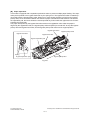
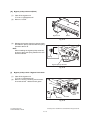
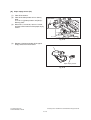
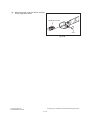
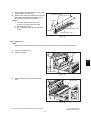
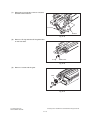
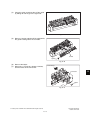
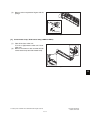
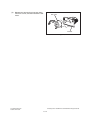
Remove 2 screws, and take off the whole
recovery blade with the bracket.
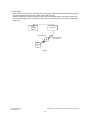
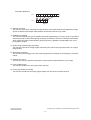
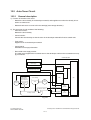
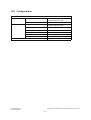
Recovery blade
Fig. 11-24
© February 2007 TOSHIBA TEC CORPORATION All rights reserved
e-STUDIO167/207/237
DRUM RELATED SECTION
11 - 15
11