1
Getting Started
Logging
In
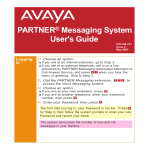
1: Choose an option:
If you are at an internal extension, go to Step 2.
If you are at an external telephone, call in on a line
answered by PARTNER Messaging Automated
Attendant or Call Answer Service, and press
when you hear the menu or greeting. Skip to Step 3.
2: Dial the PARTNER Messaging extension,
access the Voice Messaging system.
3: Choose an option:
, to
If you are at your own extension, press .
If you are at another telephone, enter your extension
number; then press .
4: Enter your Password, then press
.
The first time you log in, your Password is not set. Press
for Step 4; then follow the system prompts to record your
name and to enter your new Password.
The system announces the number of new and old
messages in your mailbox.