1
Manipulating Your Table’s Format
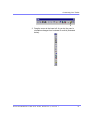
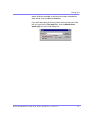
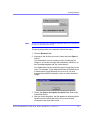
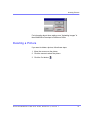
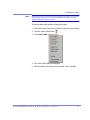
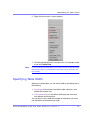
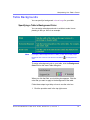
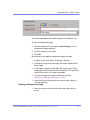
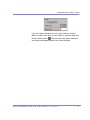
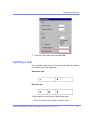
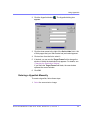
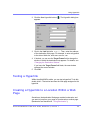
2. A large question mark appears next to your cursor.
3. Drag the question mark to the area of the dialog box that you
want to learn about.
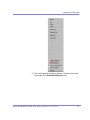
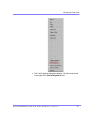
4. Click the mouse button. A box appears with instructions for that
area.
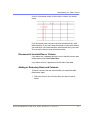
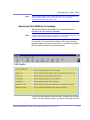
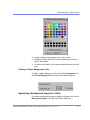
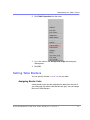
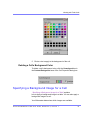
Deleting a Table’s Background Color
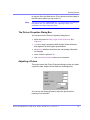
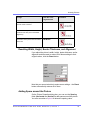
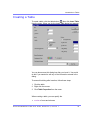
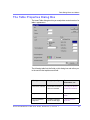
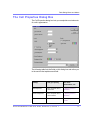
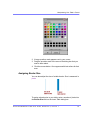
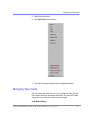
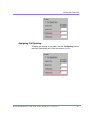
To delete a table’s background color, click the Unassigned box in
the Custom Background area of the Insert Table dialog box.
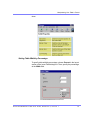
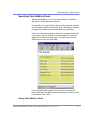
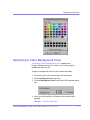
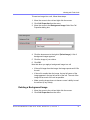
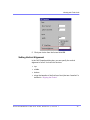
Specifying a Background Image for a Table
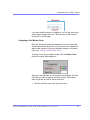
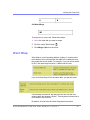
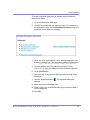
If you want a background image to appear in all table cells, use the
Background Image field of the Insert Table dialog box.
Ektr on® eWeb Edit Pro +XML Us er Guide, R elease 3.0, revi si on 1
65