1
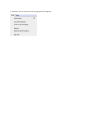
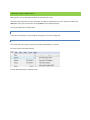
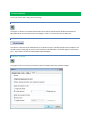
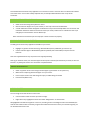
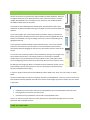
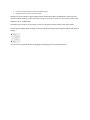
You may also click in the Left-Hand Notebook Pane and hit the “Insert” key, or Right-Click in the Notebook Pane
and select “New Notebook”.
MANAGING EXISTING NOTEBOOKS
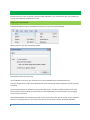
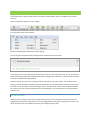
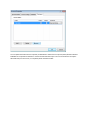
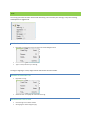
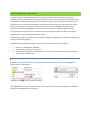
You can change your notebook name after it has been created, as well as whether it is your default notebook, by
right-clicking on it and selecting “Properties”, as below:
EXPORTING NOTES
With Evernote, you have the option to save your notes to an external file for backup purposes, or for easy transfer
amongst friends and colleagues. You can Export individual notes or entire Notebooks at once. “Export" operations
will create our XML-based note export file format, HTML, MHT or TXT. The Evernote export files contain a list of
notes that you've exported from either the Mac or Windows Evernote clients, along with optional tag information,
whereas the HTML and MHT files contain the entire note information in a presentable format. TXT will preserve
only the text of a message.
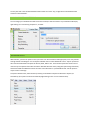
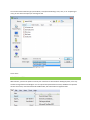
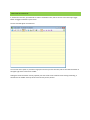
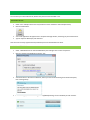
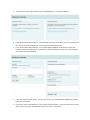
To Export individual notes, select the Note (or Notes) you would like to Export and Select File->Export: (Or
Ctrl+Shift+X). (This option can also be activated by Right-Clicking on one or more selected notes).