1
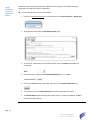
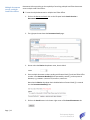
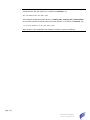
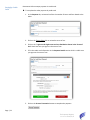
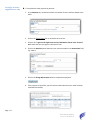
Optionally you may specify your LTO Box number if you have one at the selected Land
Titles Office, e.g. 41.
5. Select the Mail option if you wish to have the documents marked as Paper Certified
Copy delivered by Canada Post regular mail.
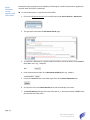
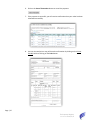
6. To complete the order without adding additional documents from another search,
click on the Add to Cart. Pay Now button.
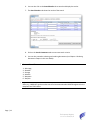
The selected document(s) will be added to your cart and the system will proceed to
the View Cart and Select Payment page.
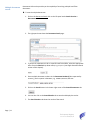
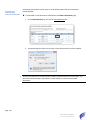
7. To add additional documents to the cart by performing another search, click on the
Add to Cart. Continue Ordering button.
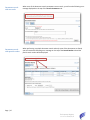
The selected documents will be added to the Cart and you can proceed with another
search by clicking on the Search Parameter tab or navigate to the next page of
results.
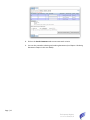
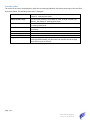
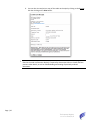
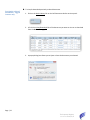
8. The Copies, Delivery Option, Pickup Office, Rush, Your File No and LTO Box field can
be edited after the documents have been placed into the cart (see the following
section).
Page | 19
The Property Registry
Current as of 2015/05/12