1
eCLINICIAN Fundamentals
HOME ACTIVITY MINI-TABS
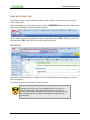
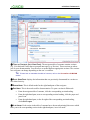
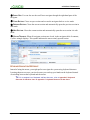
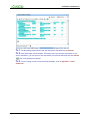
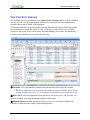
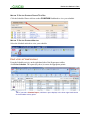
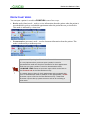
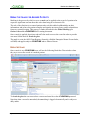
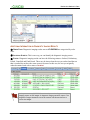
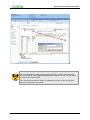
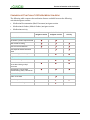
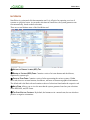
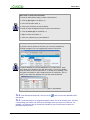
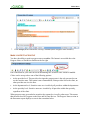
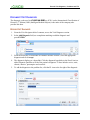
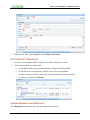
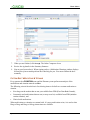
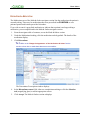
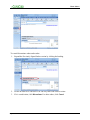
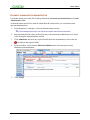
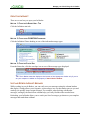
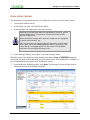
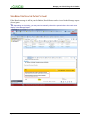
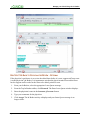
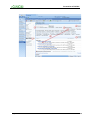
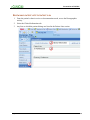
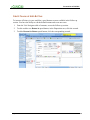
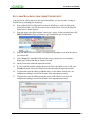
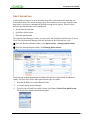
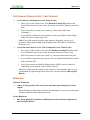
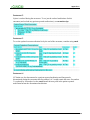
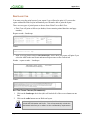
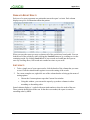
Each Home activity is represented by a mini-tab (and a unique icon) so that you can access it
with a single click.
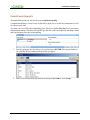
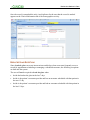
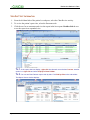
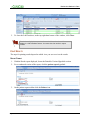
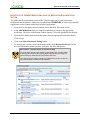
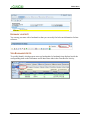
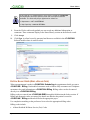
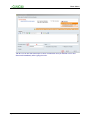
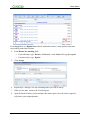
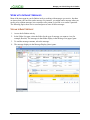
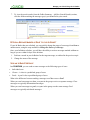
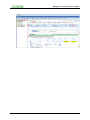
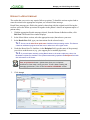
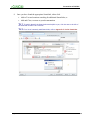
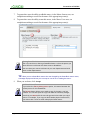
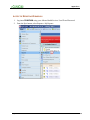
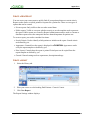
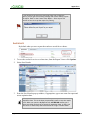
In the screenshot below, mini-tabs are shown for the eCLINICIAN Dashboard, the In Basket and
the Schedule (Multiple Provider Schedule) activities.
Access a Home activity by clicking the respective mini-tab, or use CTRL+ALT+1 to access the
first mini-tab, CTRL+ALT+2 to access the second mini-tab, etc.
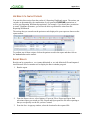
WORKSPACES
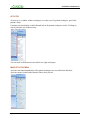
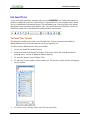
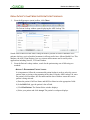
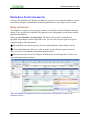
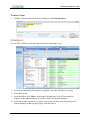
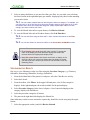
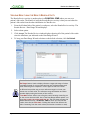
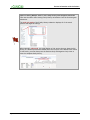
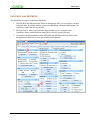
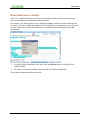
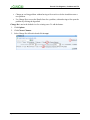
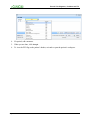
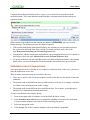
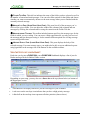
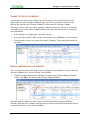
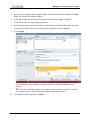
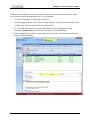
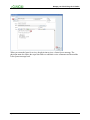
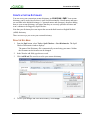
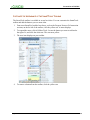
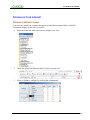
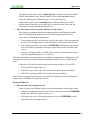
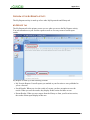
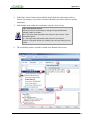
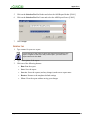
In addition to the mini-tabs, the workspace tabs area can include patient workspaces or reportbased workspaces.
You can have up to four workspaces open at one time.
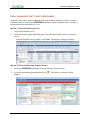
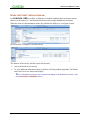
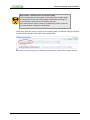
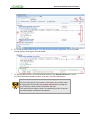
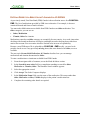
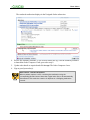
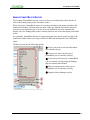
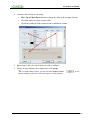
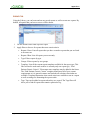
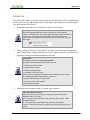
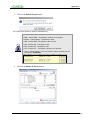
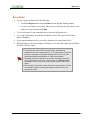
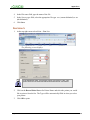
Best Practice – Close Patient Workspaces
Although you can have up to four workspaces open at one time, for
patient confidentiality and to prevent charting errors, it is a best
practice to exit patient workspaces when you are not actively charting.
You can easily return to the patient’s workspaces to complete your
charting later.
Page 22
eCLINICIAN – Electronic Medical Record