1
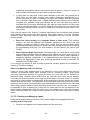
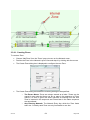
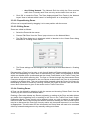
Deleting a Flow Group also deletes all associated traffic information such as OriginDestination matrices for the deleted Flow Group. Items using the Flow Group such as
Scenarios will not be deleted but will show an error until a new Flow Group is set.
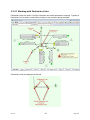
Defining Flow Groups using Formulae
Traffic Flow Groups are often built up by combining a number of component sets of traffic
data to form a new composite set of traffic flows. For example in a development context a
Flow Group may be defined as a set of base traffic flows plus development generated traffic
flows. A more complex example may involve growthing the base traffic to a future year
before combining it with development flows from a number of different (and usually ever
changing) development scenarios.
LinSig allows Traffic Flow Groups to be defined as combinations of other previously defined
Flow Groups. Formulae are used to combine Flow Groups in any combination. For example
if the base traffic is Flow Group 1 (F1) and Development scenario A is Flow Group 2 (F2), a
new combined Flow Group 3 (F3) could be defined using the Formula F3 = 1.06*F1+F2. This
will factor up the base traffic by 6% before adding the development traffic. A Flow Group
does not have to be defined as a Component Flow Group to be used in a formula.
Component Flow Groups are Flow Groups which are used only in formulae.
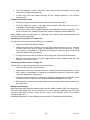
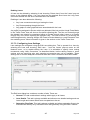
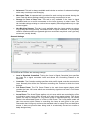
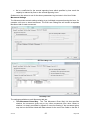
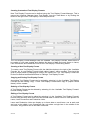
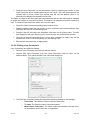
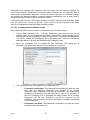
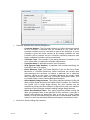
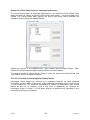
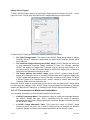
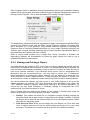
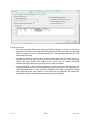
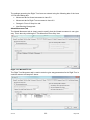
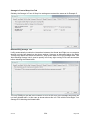
A Formula based Flow Group can be defined by ticking the ‘Use Formula to Define Flow
Group Values’ box in the Edit Flow Group dialog box, and specifying a formula. Any common
mathematical operators such as +,-,* and / can be used as can brackets () to specify
precedence.
V3.0.16
88
May 2010