1
 61
Setting up your TV
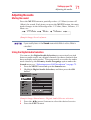
Selecting the picture size
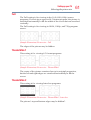
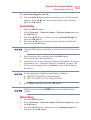
Full
The Full setting is for viewing in the 16:9 (480i, 480p) source
programs. If receiving a squeezed 4:3 format program, the picture is
stretched horizontally to fill the width of the screen but not stretched
vertically.
The Full setting is for viewing in 1080i, 1080p, and 720p program
source.
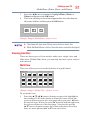
(Sample Illustration) Picture size - Full
The edges of the picture may be hidden.
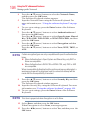
TheaterWide 1
This setting is for viewing 4:3 format programs.
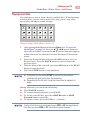
(Sample Illustration) Picture size - TheaterWide 1
The center of the picture remains close to its original proportion,
but the left and right edges are stretched horizontally to fill the
screen.
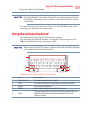
TheaterWide 2
This setting is for viewing letter box programs.
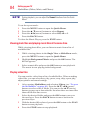
(Sample Illustration) Picture size - TheaterWide 2, letter box
The picture’s top and bottom edges may be hidden*.