1
Animating graphic objects
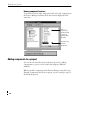
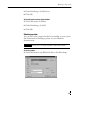
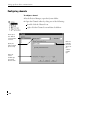
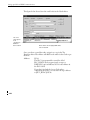
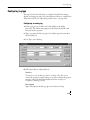
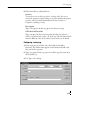
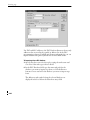
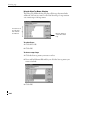
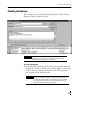
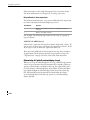
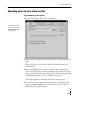
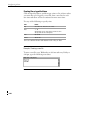
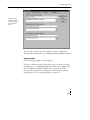
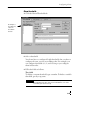
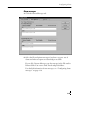
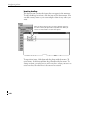
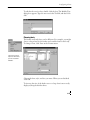
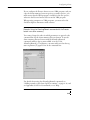
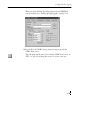
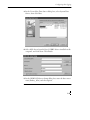
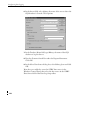
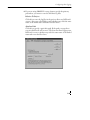
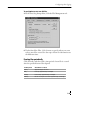
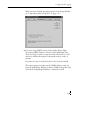
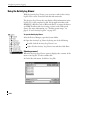
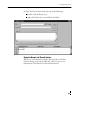
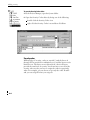
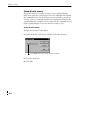
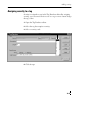
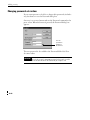
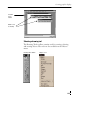
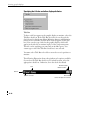
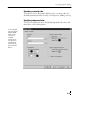
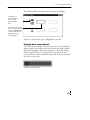
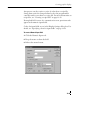
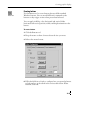
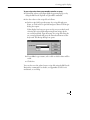
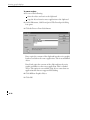
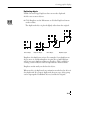
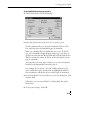
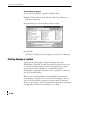
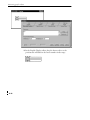
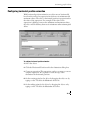
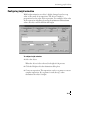
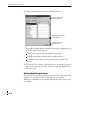
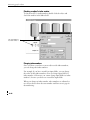
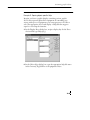
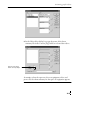
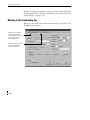
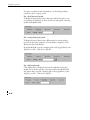
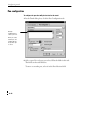
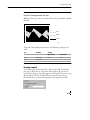
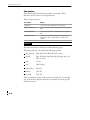
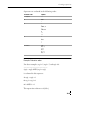
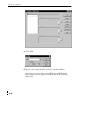
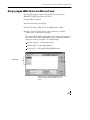
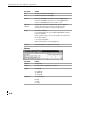
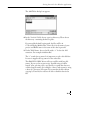
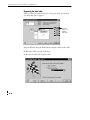
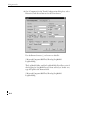
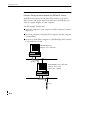
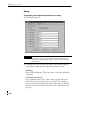
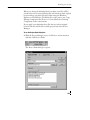
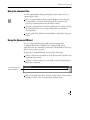
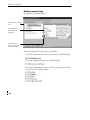
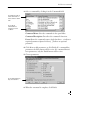
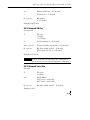
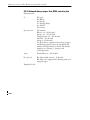
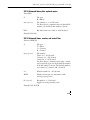
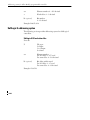
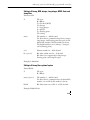
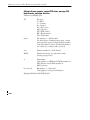
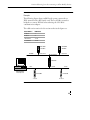
3. In the Object Keys dialog box, type the name of the alarm
summary file in the Current [Tag] field for each machine object.
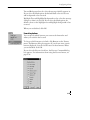
Type the name of the
alarm summary object.
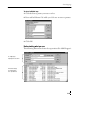
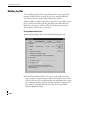
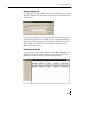
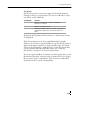
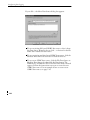
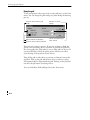
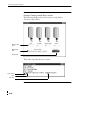
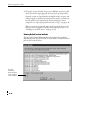
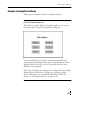
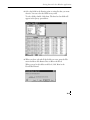
At runtime, when the operator selects an equipment object and
presses F5, the alarm summary for that piece of equipment appears.
1
1
12-51 1