1
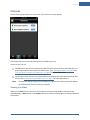
Cameras
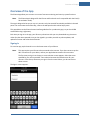
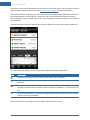
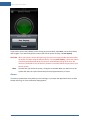
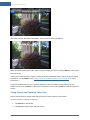
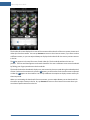
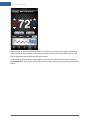
The live video screen appears.
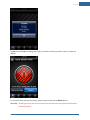
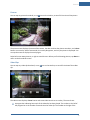
3. On the title bar, tap Capture.
If the title bar disappears, tap the screen to display it again.
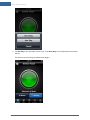
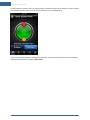
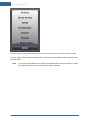
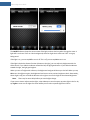
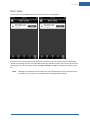
The capture options screen appears.
4. Tap Take Picture or Capture Video Clip.
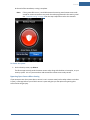
A message informs you that the action is taking place and will be available shortly.
5. Tap OK.
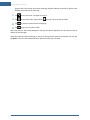
You return to the live video screen, and you can navigate to the thumbnails screen for the camera
you used to see the new picture or video clip.
Viewing Pictures and Video Clips
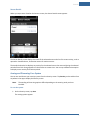
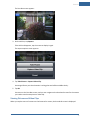
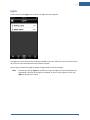
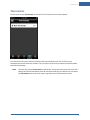
When you tap the name of a camera on the Cameras list screen, the thumbnails screen is displayed.
17