1
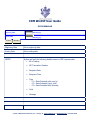
CDM WinISF User Guide
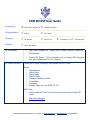
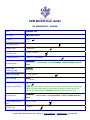
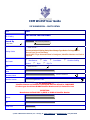
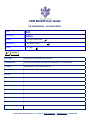
Country
- --- Select f rom list ---
Country Sub Code (State,
Province)
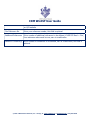
Search By
Search criteria options include party name or party custom code then enter
all or part of the search data then click SEARCH ISF PARTY DATABASE to
populate Existing Parties with search criteria. If the user clicks the SEARCH
button with no value in the search field, the Existing Parties list will display all
available Party details
Existing Parties
Select from list of pre-defined parties to eliminate additional data entry
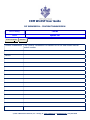
Also Create
This row ONLY displays when ADDING a party and allows the user to create
additional Party records for the selected EXISTING PARTY thus eliminating
the new to click ADD PARTY again. For example, if the user selects a
CONSIGNEE from the Existing Parties and clicks BUYER and SHIP TO and
clicks SAVE, the system will automatically create THREE records.
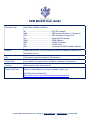
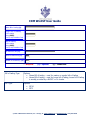
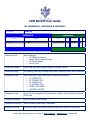
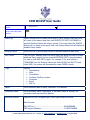
Type
Options
� Manufacturer
� Seller
� Consolidator
� Container Stuffing Location
� Consignee
� Buyer
� Ship To
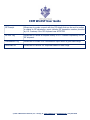
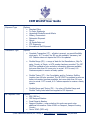
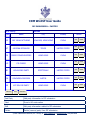
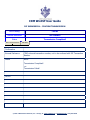
Name
Enter complete name of party, maximum 35 characters
Secondary Name
Enter secondary name if applicable, if secondary name is entered, the
secondary name type must be defined
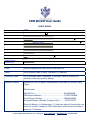
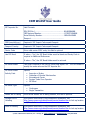
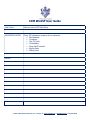
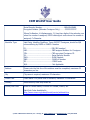
Identifier Number
Required only for Consignee type, other types should be BLANK
Valid Formats
EIN (IRS No.)……………………………………………..……. NN-NNNNNNN
CBP Assigned Number……………………………………….. YYDDPP-NNNNN
© 2010 ∙ CDM Software Solutions, Inc. ∙ Chicago, IL ∙ www.cdmsoft.com ∙ [email protected] ∙ (312) 867-8778