1
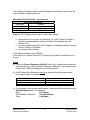
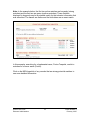
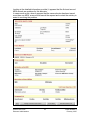
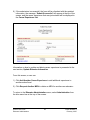
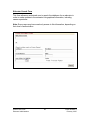
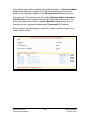
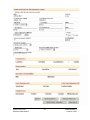
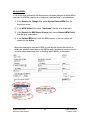
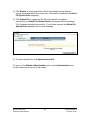
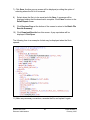
6) If the submission is successful, the form will be refreshed with the updated
information, the message “Submit Successful” will appear at the top of the
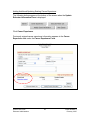
screen, and the career experience that was just entered will be displayed in
the Career Experience List.
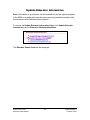
Information on how to update and delete career experience is presented in the
next section, Update Educator Information.
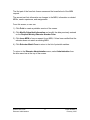
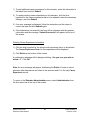
From this screen, a user can:
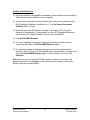
1) Click Add Another Career Experience to add additional experience in
another school level.
2) Click Request Another MEN to obtain an MEN for another new educator.
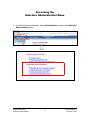
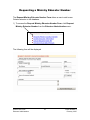
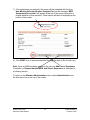
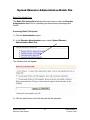
To return to the Educator Administration menu, select Administration from
the blue menu bar at the top of the screen.
OnSIS User Guide
Educator Administration
23
OnSIS Release 3
February 2007