1
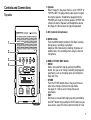
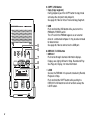
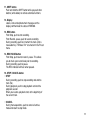
11. SHIFT button
Push and hold the SHIFT button while you push other
buttons (white labels) to activate alternate functions.
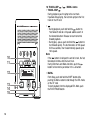
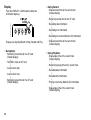
12. Display
Labels, icons and alphanumeric messages on the
display communicate the status of PMD660.
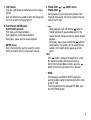
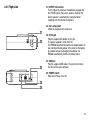
13. REC button
From Stop, push to start recording.
From Record - pause, push to resume recording.
During recording, push to increment the track (start a
new audio file), if "Manual Trk" is turned on in the Preset
menu.
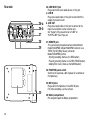
14. REC PAUSE button
From Stop, push to enter record - pause. This allows
you to check your record level prior to recording.
During recording, push to pause.
The REC indicator will flash when paused.
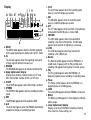
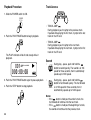
15. STOP / CANCEL button
• STOP
During recording, push to stop recording and end the
track (file).
During playback, push to stop playback and end the
playback session.
When you resume, playback starts at the beginning of
the current track.
• CANCEL
During menu operations, push to cancel all entries
made and return to stop mode.
11