1
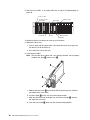
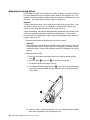
To install a hot-swap power supply:
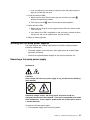
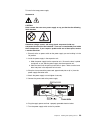
Statement 8
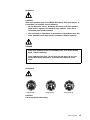
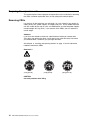
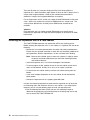
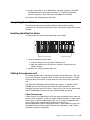
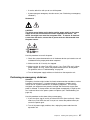
CAUTION:
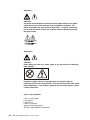
Never remove the cover on a power supply or any part that has the following
label attached.
Hazardous voltage, current, and energy levels are present inside any
component that has this label attached. There are no serviceable parts inside
these components. If you suspect a problem with one of these parts, contact
a service technician.
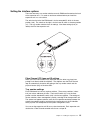
1. Ensure that the ac power switch on the power supply you are installing is in the
Off position.
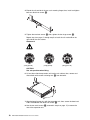
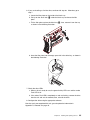
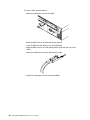
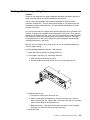
2. Install the power supply in the expansion unit.
a. Slide the power supply into the expansion unit. Be sure the lever is pulled
straight out as you slide the power supply into the expansion unit.
b. Close the lever until the pull-ring latch locks in place. Make sure the lever
locks into place in the expansion-unit chassis.
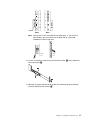
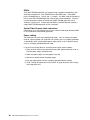
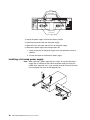
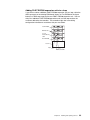
3. Wrap the clamp around the power cord approximately 20 cm (8 in.) from the
power supply connection end.
4. Attach the power supply nut and tighten it securely.
5. Connect the power cord to the power supply.
6. Plug the supply power cord into a properly grounded electrical outlet.
7. Turn the power supply switch to the On position.
Chapter 3. Installing and replacing devices
29