1
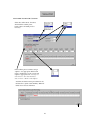
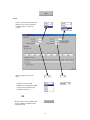
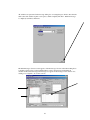
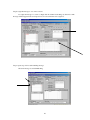
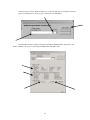
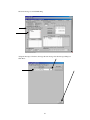
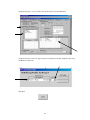
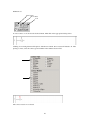
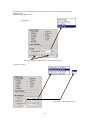
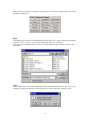
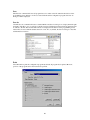
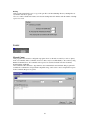
Finally, if all or any part of the configuration program needs to be returned to default settings, click on the appropriate default button. Open Selecting File Open will cause a standard Windows Open dialog box to appear. Enter the path and name of the file to open, or browse to locate the file. Click the Open button to open the file. Fusion files are saved with the default extension of .fsn. By default, the Open dialog box lists files with this extension. Close This command will close the main programming window. If programming data has not been saved or has changed, the program will allow the user the opportunity to save the data before closing the screen. 59