1
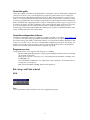
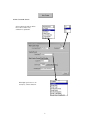
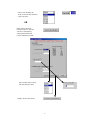
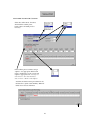
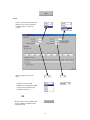
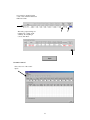
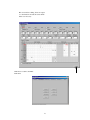
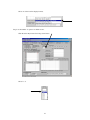
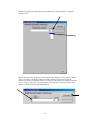
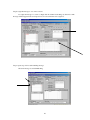
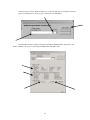
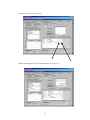
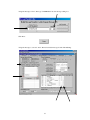
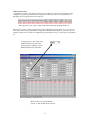
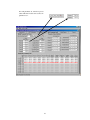
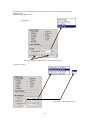
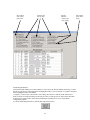
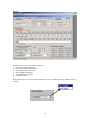
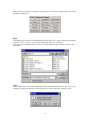
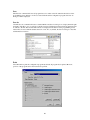
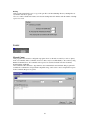
To add a multiple wire connection, click on the desired wire tool. Then click on the starting position and
drag in the direction of the tool arrow. The wire is added when the button is released.
Select
Wire Tool
Click
Drag
Release
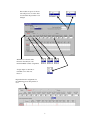
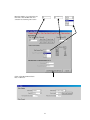
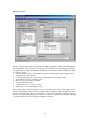
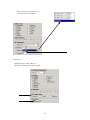
Any wire at the starting position will be overwritten, but other existing wires will not be. Once started, wire
patterns may be cancelled by dragging outside the ladder editing window, or by dragging past the starting
point in the direction opposite the arrow.
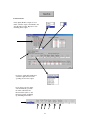
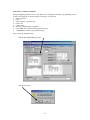
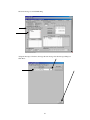
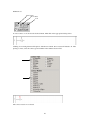
Editing Tools
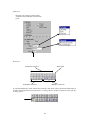
Edit Element
Delete Item(s)
Clear Rung
Delete Rung
Insert Rung
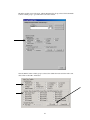
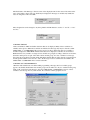
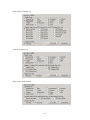
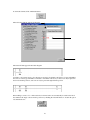
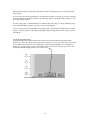
To edit an element, click on the Edit Element Tool, and then click on the selected element in the ladder
diagram. Editing allows changing the properties of a contact or coil.
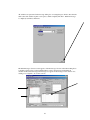
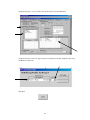
To delete an item, click on the Delete Item(s) Tool, and then click on the contact, coil, or wire to be
deleted. To delete multiple items, click on the first item and drag across the remaining items to be deleted.
51