1
D-Link D-View 6.0 User Manual
Rolling Back a Topology
After rearranging the topology, you can restore the saved topology that was
created initially from the database.
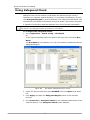
To Rollback a Topology:
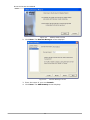
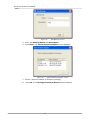
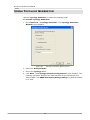
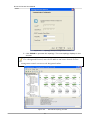
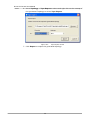
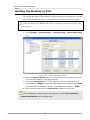
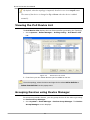
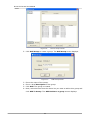
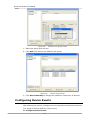
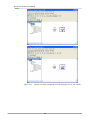
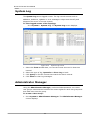
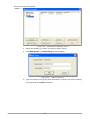
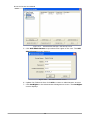
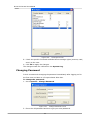
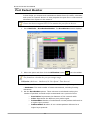
Go to Topology > Topology Rollback. The Topology reverts to the previous
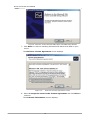
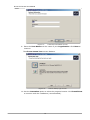
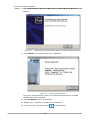
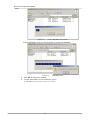
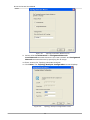
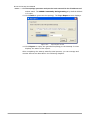
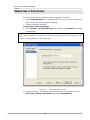
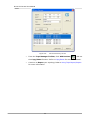
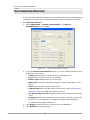
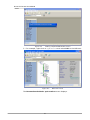
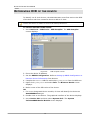
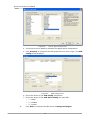
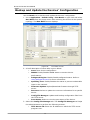
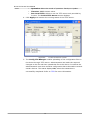
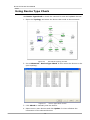
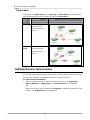
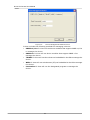
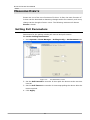
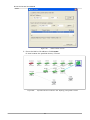
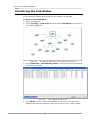
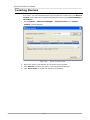
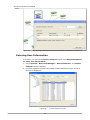
settings. The following screenshots displays the sequence of steps by using the
Topology Rollback function.
60