1
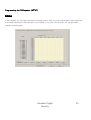
Programming the DVR system [SETUP]
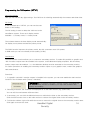
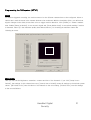
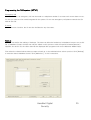
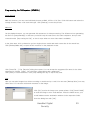
You also have to set the communication parameters between the system and the dome camera correctly
(COM port no. on system, speed, data bits, parity).
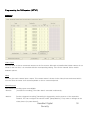
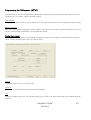
User settings
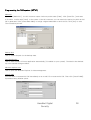
If your dome camera is not on the model list, you can enter the specific control commands here(hex code).
Master Controller
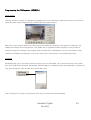
Here you can integrate a separate camera master controlled into the system. Select the model from the list,
set the communication parameters, and activate the device.
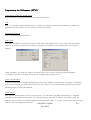
Control User Access
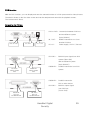
You can have remote access to the digital surveillance system via a network. The system then works as a
server. A user accessing this server is called a client.
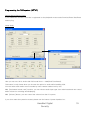
TCP/IP
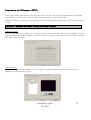
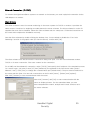
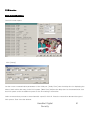
To enable remote access, click [TCP/IP].
Check IP
The server IP is defined either automatically or manually.
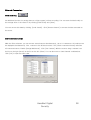
Port
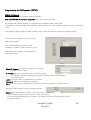
Define the network port here. The default setting is Port 2000. The server and client port numbers must be
identical.
HanaNet Digital
Security
23