1
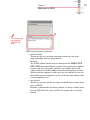
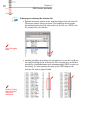
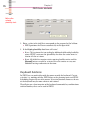
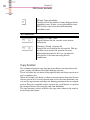
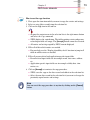
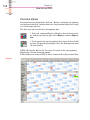
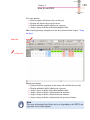
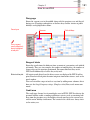
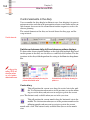
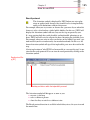
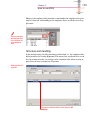
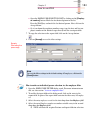
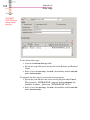
Chapter 5 168 How to use ZEUS mark the desired date ranges. To define the absence days, use the Date range drop down boxes in the top right corner of the diary. 3. To assign the daily shift required for the days, use one of the following options: Click on the Daily shifts button. Select the desired daily shift from the DAILY SHIFT SELECTION [CSL] selection list by double click or mark the desired entry and click on the Accept button. ZEUS will enter the daily shift in the marked days of the diary. Click on a favourite if you have set up favourites or if one of the favourites shown corresponds to your desired daily shift. Click on the Last selection shown if the daily shift used last corresponds to the daily shift that you now want. Use the context menu by clicking in a marked diary field with the right mouse button and then opening the UPDATE MASK [PDC] dialog mask. In this mask, select your desired daily shift and copy the selection to the diary page. Advantage: The update mask offers more setting and update options and a lot of information that is often of great importance at a glance, such as the current settings of the previously used daily shift. It also allows you to add an additional update text to the update mask, which describes your update action. 4. To conclude the settings or changes for this person, click on [Accept] in the diary form. How to assign an overtime authorisation in the diary You can assign authorisation only in the month view. The sequence described also applies to the assignment of bonus and guaranteed time authorisations. 1. Activate the month in which you want to enter the authorisation. To do so, click on the Month button. 2. To select the day/days to which an overtime authorisation is to apply, use one of the following options: Mark the days directly in the diary page. This is done by keeping the left mouse button depressed and moving the mouse pointer over the desired days. If you want to mark several date ranges, keep the [Ctrl] key depressed and