1
102
iVMS-2000 User Manual
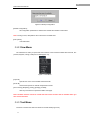
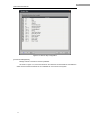
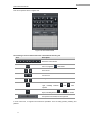
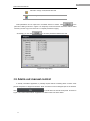
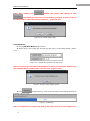
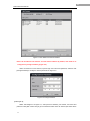
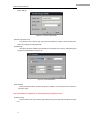
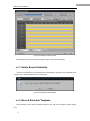
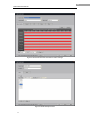
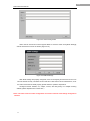
Figure 6-34
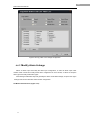
Other Alarm Linkage Configuration
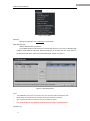
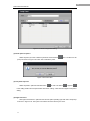
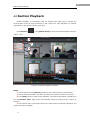
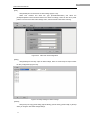
Select [Sound Alarm] and select .wav files in the drop-down list. Please refer to the [Sound
Config] of [Other] Configuration interface.
Select [Send Email] and select snapshot camera (or disable alarm snapshot). Please refer to
the [Email Config] of [Other] Configuration interface.
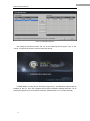
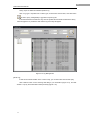
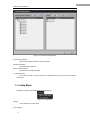
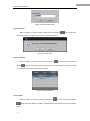
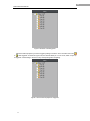
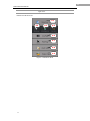
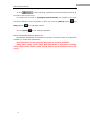
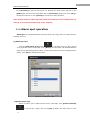
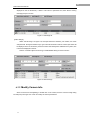
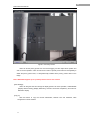
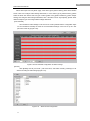
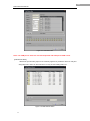
Select [Prompt video] and select the camera live preview video to be prompt on alarm. Users
can select up to 4 cameras (Figure 6-35).
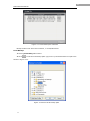
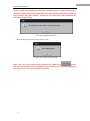
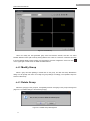
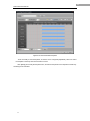
Figure 6-35 Prompt Video Configuration for Alarm Linkage
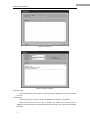
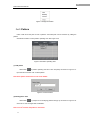
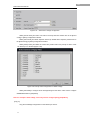
Select [Send SMS] to configure short message linkage for the alarm. Users need to configure
GSM/GPRS Modem in [Peripheral].
Note: For exception alarm linkage, users only need to configure [Relay] and[Others].
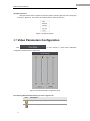
[Copy to]
Copy the arm/linkage configuration to other alarm input source.