1
75
iVMS-2000 User Manual
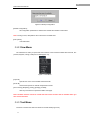
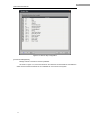
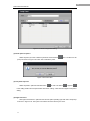
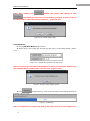
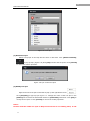
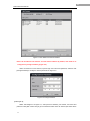
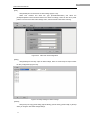
Click [Property] to pop-up tips Figure 5-9. Change the name of the map link in the
[Name] bar. Re-select the associated map in [Associate] camera list. Click [OK] to
modify the map link or click [Cancel] to cancel the modify operation.
Note: Double click the added map link in Map Preview Area in non-editing state can
directly turn to the associated map of the map link.
5.1.4 Alarm spot operation
Alarm spot: The associated alarm input of an area in the map. (Such as: Audio sensors,
Infrared sensors.)
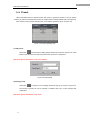
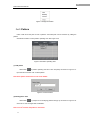
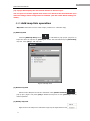
(1)Add alarm spot
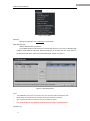
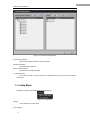
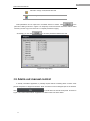
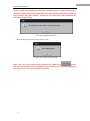
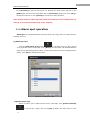
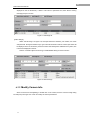
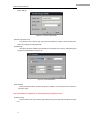
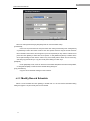
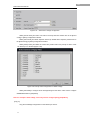
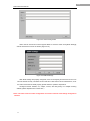
Click the [Add alarm spot] button
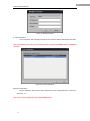
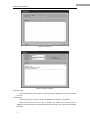
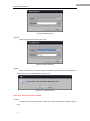
in edit state to pop-up tips. (Figure
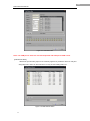
5-10) Input the name of hop spot in the [Name] bar and select the associated alarm
input port in [Associate] port list (See 6.7.3 Alarm box and alarm in/out configuration for
detail). Click [OK] to add the alarm spot.
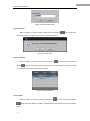
Figure 5-10 Add alarm spot
(1)Delete alarm spot
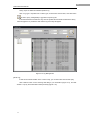
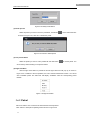
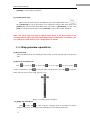
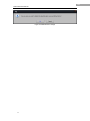
Select an alarm spot in Map Preview Area in edit state. Click [Delete selected]
to pop-up tips. (Figure 5.9) Click [OK] to delete the alarm spot or click