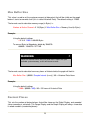
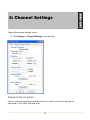
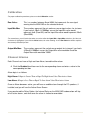
1
The Active Alarm Screen will indicate which channel the alarm is on and whether it is a High or
Low Alarm.
Click Clear to clear the Active alarm. (The alarm will appear again immediately if the
condition that tripped the alarm is still present)
Click Mute to mute the audible alarm
Click Override to ignore the alarm and all future alarms for that channel and alarm type
If you choose to override an alarm, an Override Alarm Indicator will be displayed on the Main
Display Screen (see MINi-DAS Introduction)
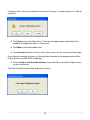
Click the High or Low Override Indicator (round red LED) on the Main Display Screen
to clear the override
The Clear Override Screen will be displayed to confirm.
18