1
1:
1: Software
Software Installation
Installation
The software Installation is a 3 part process; please follow these instructions carefully to ensure proper operation
of the MINi-DAS system.
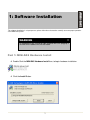
WARNING
All software must be installed on your computer BEFORE plugging in
the MINi-DAS hardware via the USB cable.
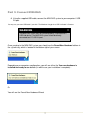
Part 1: MINi-DAS Hardware Install
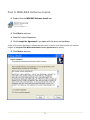
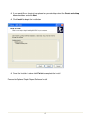
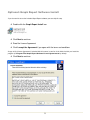
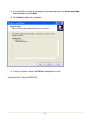
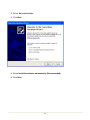
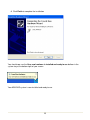
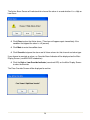
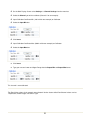
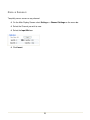
Double Click the MINi-DAS Hardware Install Icon, to begin hardware installation.
Click the Install Button.
1