1
appendix C
alternative Wi-Fi interfaces
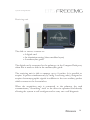
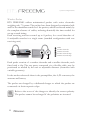
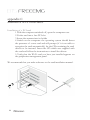
Installation of a PCI card
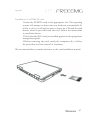
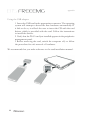
1 With the computer switched off, open the computer case
2 Fit the card into a free PCI slot
3 Screw the antenna into its holder
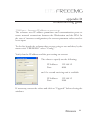
4 Switch on the computer: the operating system should detect
the presence of a new card and will prompt (if it is not able to
recognise the card automatically) for the CD containing the card drivers to be inserted. Insert the CD which was supplied with
the card and follow the instructions to install the drivers.
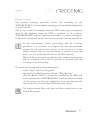
5 Verify that the Wi-Fi card you have just installed appears on
the peripheries management panel.
We recommend that you make reference to the card installation manual.
86