1
1
Network Settings
In order to use the software, the computer should be able to receive data from
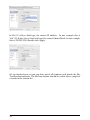
the MeTrao. To setup the MeTrao see MeTrao: Network Settings. In our examples we’ll go further on the examples given in the MeTao manual where we are
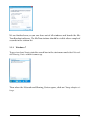
sending the data to a remote pc on IP address 10.0.1.21 and subnet 255.255.255.0
.
Only one network adapter should be connected to the MeTrao network.
1.1
Windows IP address settings
To set a fixed IP address in Windows first connect the network cable so the
network adapter is online.
1.1.1
Windows 8
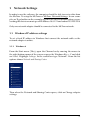
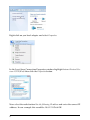
From the Start menu (Tiles), open the Charms bar by moving the mouse to
the right bottom corner of the screen or press the Windows Key + C and click
on Search. Highlight Settings. In the search box type ‘Network’. From the list
options choose Network and Sharing Center
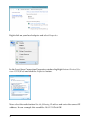
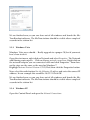
Then when the Network and Sharing Center opens, click on Change adapter
settings.
3.