1
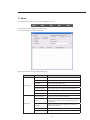
Power Up
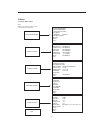
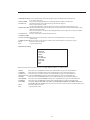
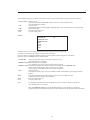
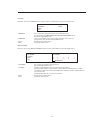
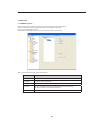
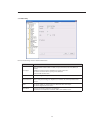
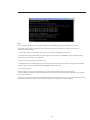
Move the cursor to the POWER UP item and then click the confirm button to go to the fourth menu.
POWER UP:NONE
PARAMTER: NONE
BACK
EXIT
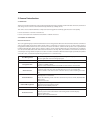
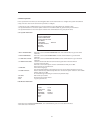
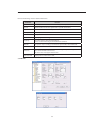
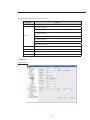
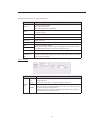
- POWER UP: - PARAMTER: - BACK: - EXIT: It is to set the PTZ operation when the speed dome boots up.
The option includes: NONE/AUTO/SCAN/PRESET/PATTERN/TOUR and etc.
Use the left/right button to set.
Set the serial number of the corresponding operation such as the scan,
preset, pattern, tour. Use the left/right button to set.
Go back to the previous menu.
Log out the system menu.
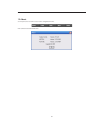
Menu Password
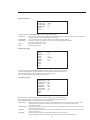
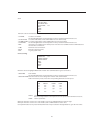
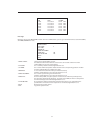
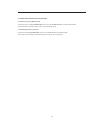
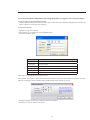
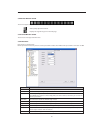
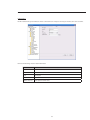
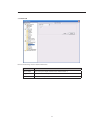
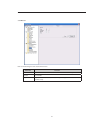
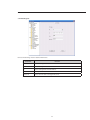
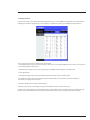
Move the cursor to the MENU PASSWORD and the click the confirm button to go to the fourth menu.
PASSWORD
PASSWORD:
SETTING:
BACK:
EXIT:
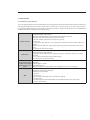
- PASSWORD: - SETTING: - BACK: - EXIT: 1
2345
6
7890
SAVE BACK
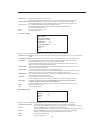
It is to set the speed dome menu password.
Use the left/right button to set.
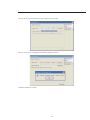
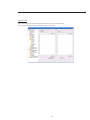
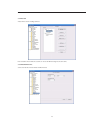
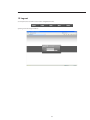
Click the confirm button to go to the password setup interface.
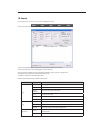
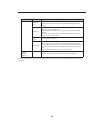
Use the left/right button to set the value and then click the confirm button to confirm current option. Move the cursor to the SAVE button and then click the confirm button to
save current setup.
Click the BACK button to go to the previous menu.
Go back to the previous menu.
Log out the system menu.
33