1
Importing Pencasts
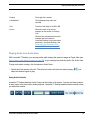
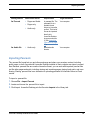
Sharing method
What can be shared
Output format
Target Destination
As Pencast
• Pages and Audio
• Pages only
• Audio only
A .pencast file. The
.pencast file is a
portable format
unique to Livescribe
content. This kind of
file can be imported
directly into
Livescribe Desktop
by anyone who has
it. (See Importing
Your computer
Pencasts on page
52).
As Audio file
• Audio only
Standard audio
formats
Your computer
Importing Pencasts
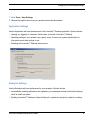
The .pencast file format lets you and others exchange and share your smartpen content, including
audio, pages, or both. Anyone with Livescribe Desktop installed on their computer can import .pencast
files. Because .pencast files are a native Livescribe format, you can work with imported .pencast files
just like other pages and audio, including viewing and searching pages, playing back audio, and even
sharing. Sharing .pencast files is an alternative to uploading pencasts to Livescribe Online as Flash
movies.
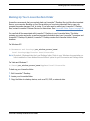
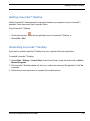
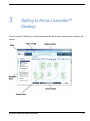
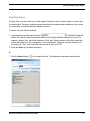
To import a .pencast file:
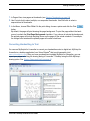
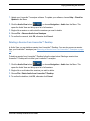
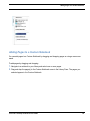
1. Choose File > Import Pencast
2. Locate and choose the .pencast file to import.
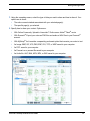
3. Click Import. Livescribe Desktop puts the file under Imports in the Library tab.
Livescribe™ Desktop for Windows User Guide
52