1
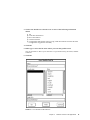
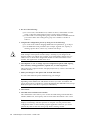
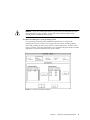
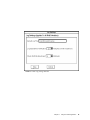
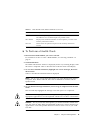
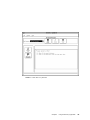
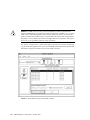
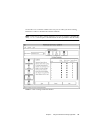
Note – After exiting Module Profile, you can save the profile to a specific file. See
“Saving Module Profile Information.”
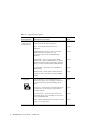
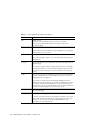
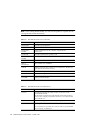
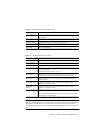
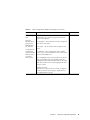
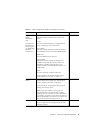
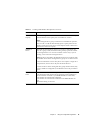
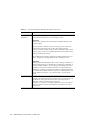
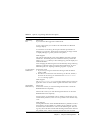
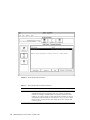
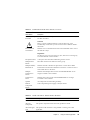
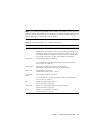
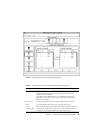
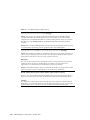
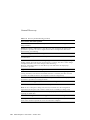
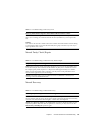
TABLE 2-6
Detailed Information for Controllers
Column Heading
Description
Board Name
Controller type designation.
Board ID
Controller model number.
Board Serial
Number
Unique identification for the controller assigned by the
manufacturer.
Product ID
Controller manufacturer's product code.
Product Serial
Number
Usually the same as Board Serial Number.
Vendor ID
Controller manufacturer's name.
Date of
Manufacture
Date controller was assembled.
SCSI ID
Address assigned to the controller for its connection to the bus (not
applicable for Networked versions).
Boot Level
Number indicating the release version of controller bootware.
Firmware Level
Number indicating the release of controller firmware.
Cache/Processor
Size (MB)
Amount (in megabytes) of total available cache and processor
memory on the controller.
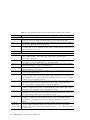
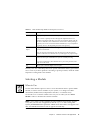
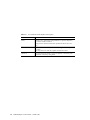
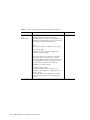
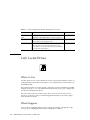
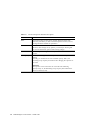
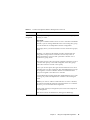
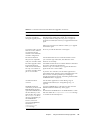
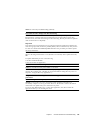
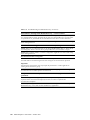
TABLE 2-7
Detailed Information for Disk Drives
Column Heading
Description
Location
Designation indicating the unique location of the drive in the
selected RAID Module.
This designation includes the SCSI Channel and SCSI ID unique to
the drive. For example, [2,8] indicates the drive is on channel 2 and
has a SCSI ID of 8.
Capacity (MB)
Amount of storage space on the drive (in megabytes).
Status
Operating condition of the drive.
For an explanation of possible drive statuses and any recommended
action to follow, see TABLE 5-2.
40
RAID Manager 6.1 User’s Guide • October 1997