1
Others
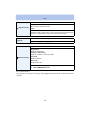
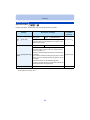
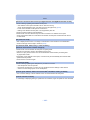
[Failed to connect wireless access point]/[Connection failed]/[No destination found]
• Check following regarding the wireless access point.
– The wireless access point information set on this unit is wrong.
Check the authentication type, encryption type, and encryption key. (P121)
– Power of the wireless access point is not turned on.
– Setting of the wireless access point is not supported by this unit.
• Check the network setting of the destination.
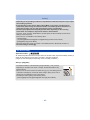
• Radio waves from other devices may block the connection to a wireless access point.
Check other devices that are connected to the wireless access point and devices that use the
2.4 GHz band.
[No picture to send]
• This is displayed when there is no image to transmit due to the restriction of the destination.
Check the file type of the image to transmit. (P126)
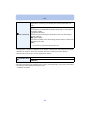
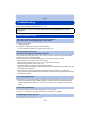
[Connection failed. Please retry in a few minutes.]/
[Network disconnected. Transfer stopped.]
• Radio waves from the wireless access point are getting weak.
Perform the connection closer to the wireless access point.
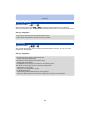
• There is no reply from the server or it has exceeded the communication processing time.
Try again after a while.
• Depending on the wireless access point, connection may be automatically disconnected after
specific time has passed.
Reconnect the connection again.
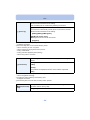
[Connection failed]
• Check following regarding the smartphones you intend to connect.
– The smartphone does not operate.
– Change the access point to connect to in the smartphone Wi-Fi settings to this camera.
– There is no free storage space on the smartphone.
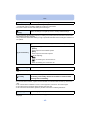
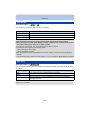
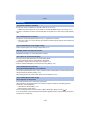
[Cannot get IP address. Please set wireless AP’s IP address setting to DHCP.]
• Turn on DHCP settings of the IP address of the connected wireless access points.
[Cannot connect to server]
• If a message is displaying asking to update the root certificate, agree to update the root certificate.
- 144 -