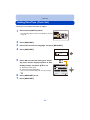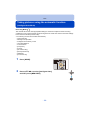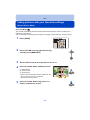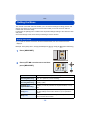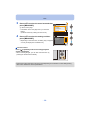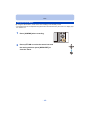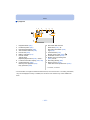
1
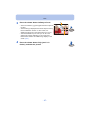
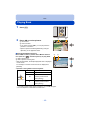
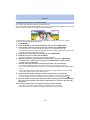
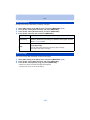
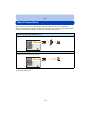
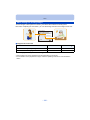
Recording
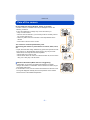
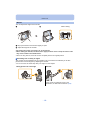
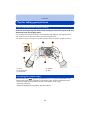
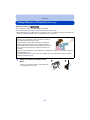
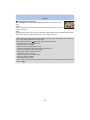
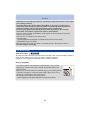
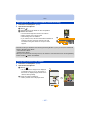
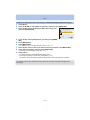
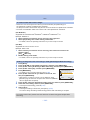
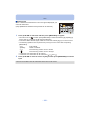
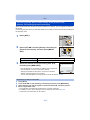
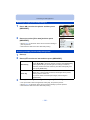
• The zoom position is fixed to Wide.
• [Stabilizer] is fixed to [OFF].
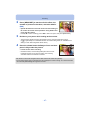
• The focus, White Balance, and exposure are fixed at the optimum values for the first picture. As a
result, if the focus or brightness changes substantially during recording, the entire panorama picture
may not be recorded at the suitable focus or brightness.
• White Balance is fixed to [AWB] while an image effect is applied.
• When multiple pictures are combined to create a single panorama picture, the subject may appear
distorted or the connection points may be noticeable in some cases.
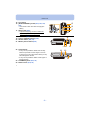
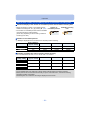
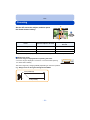
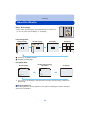
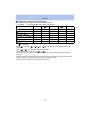
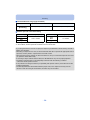
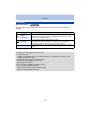
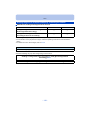
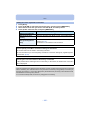
• The number of recording pixels in the horizontal and vertical directions of the panorama picture
varies depending on the recording direction and the number of combined pictures.
The maximum number of pixels is shown below.
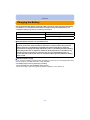
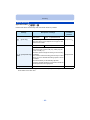
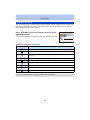
Recording direction
Horizontal Resolution
Vertical Resolution
Horizontal
3200 pixels
720 pixels
Vertical
960 pixels
3200 pixels
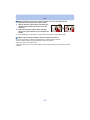
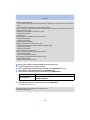
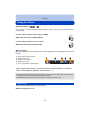
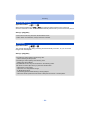
• A panorama picture may not be able to be created, or the pictures may not be combined properly
when recording the following subjects or under the recording conditions below.
– Subjects with a single, uniform colour or repetitive pattern (such as the sky or a beach)
– Moving subjects (person, pet, car, waves, flowers blowing in the breeze, etc.)
– Subjects where the colour or patterns change in a short time (such as an image appearing on a
display)
– Dark places
– Locations with flickering light sources such as fluorescent lights or candles
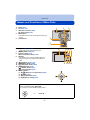
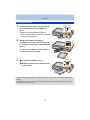
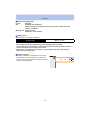
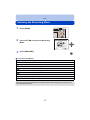
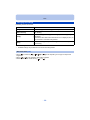
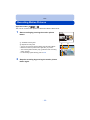
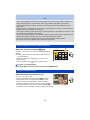
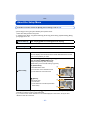
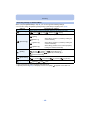
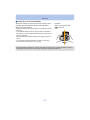
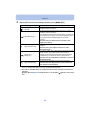
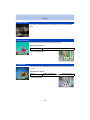
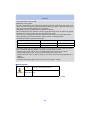
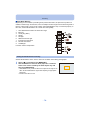
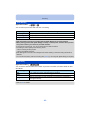
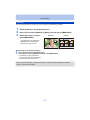
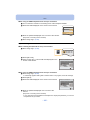
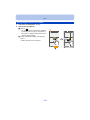
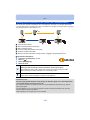
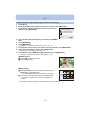
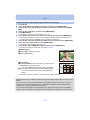
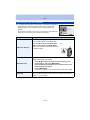
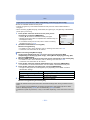
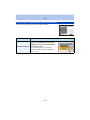
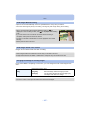
∫ About playback
3
ーヮユワヶバヴユヵヾ
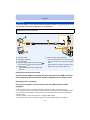
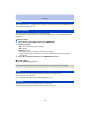
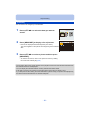
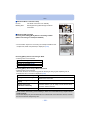
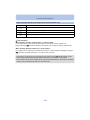
Start panorama playback/Pause¢
[MENU/SET] Stop
¢ You can perform frame-by-frame forward/rewind by pressing 1/2 during a pause.
- 69 -