1
VoiBridge Lite
SYSTEM
6.10.4 Update Firmware
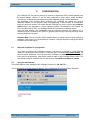
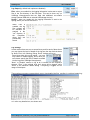
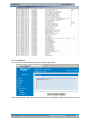
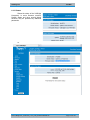
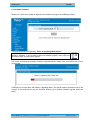
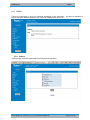
Allows you to perform an update or upgrade of the firmware running on the VoiBridge I4-GSM.
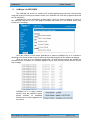
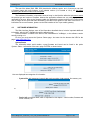
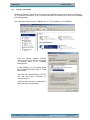
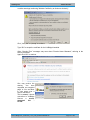
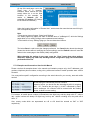
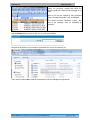
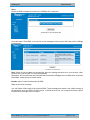
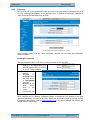
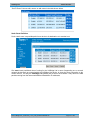
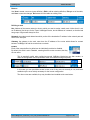
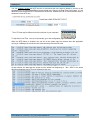
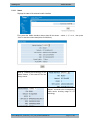
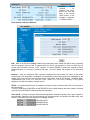
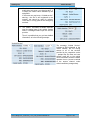
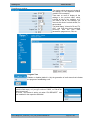
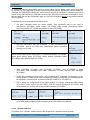
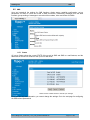
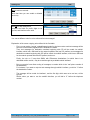
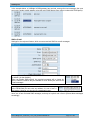
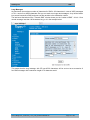
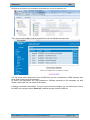
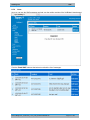
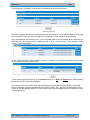
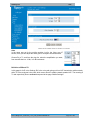
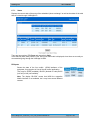
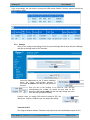
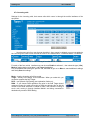
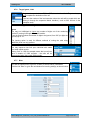
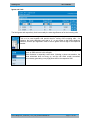
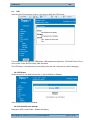
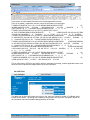
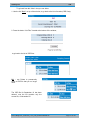
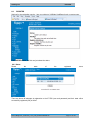
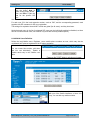
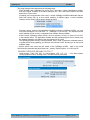
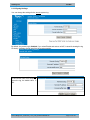
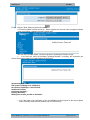
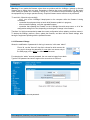
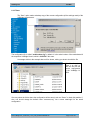
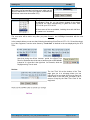
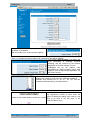
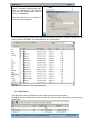
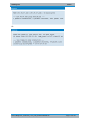
The webpage displays a single field, “Enter in Upgrading Mode No/Yes”.
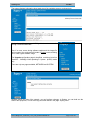
As you can see, the default is No, to prevent accidentally going to the mode of
operation “Upgrade”. If you do want to perform a software upgrade, select YES from
the drop list, then click the button “Reboot”.
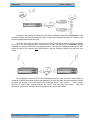
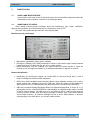
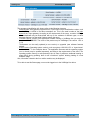
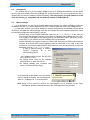
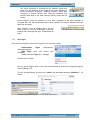
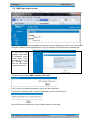
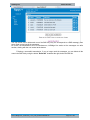
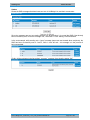
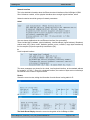
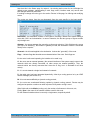
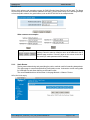
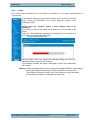
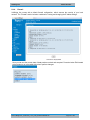
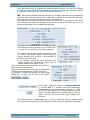
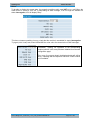
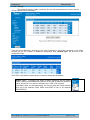
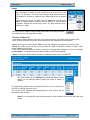
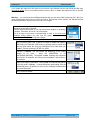
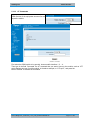
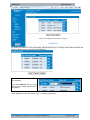
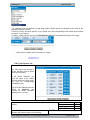
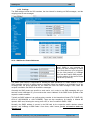
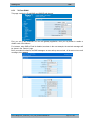
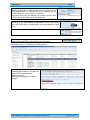
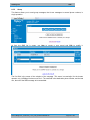
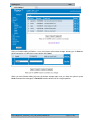
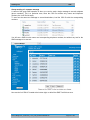
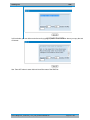
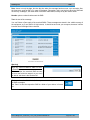
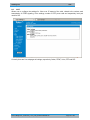
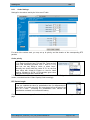
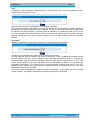
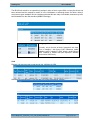
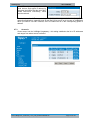
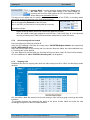
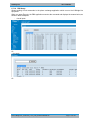
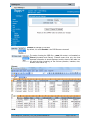
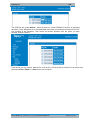
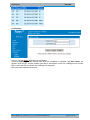
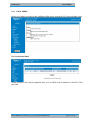
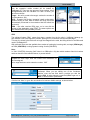
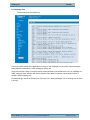
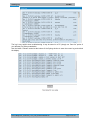
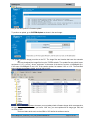
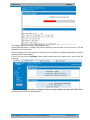
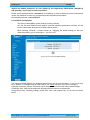
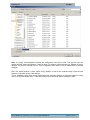
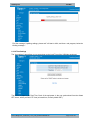
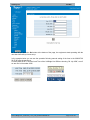
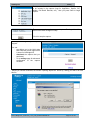
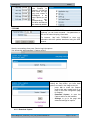
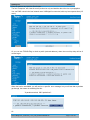
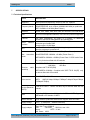
The screen will display the message “Restart in Upgrading Mode, Please wait!” and below it you will se a
progress bar:
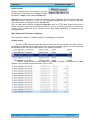
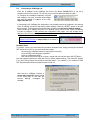
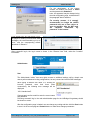
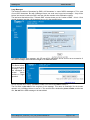
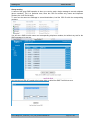
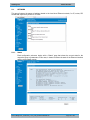
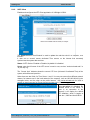
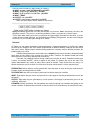
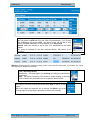
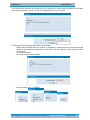
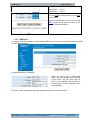
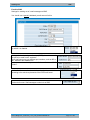
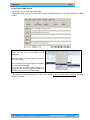
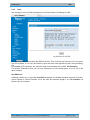
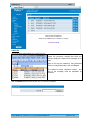
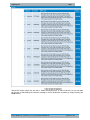
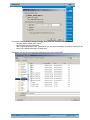
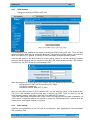
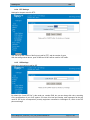
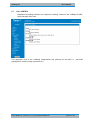
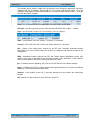
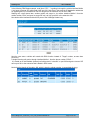
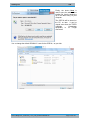
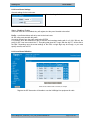
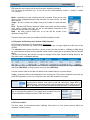
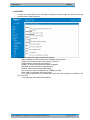
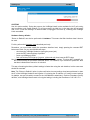
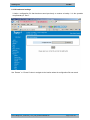
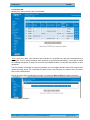
VoiBridge Lite will shut down and restart in Upgrading Mode. This special mode of operation frees up the
memory of the equipment for the new firmware, allowing you to perform software upgrade easily and
safely.
RST VoiBridge Lite _usemanual_1.0.37_V4O_SCXfirewallUSER.doc
Page 145 of 183