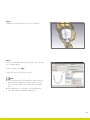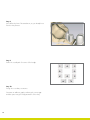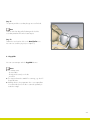
1
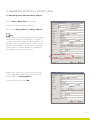
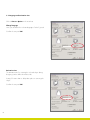
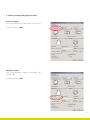
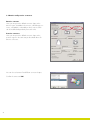
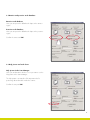
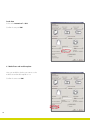
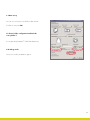
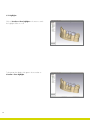
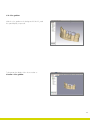
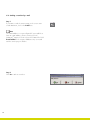
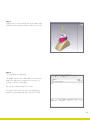
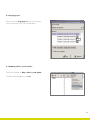
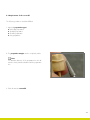
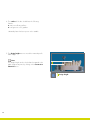
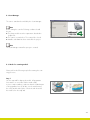
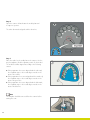
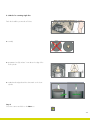
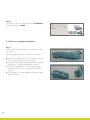
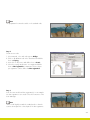
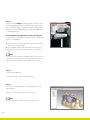
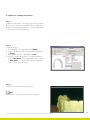
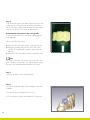
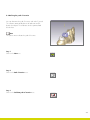
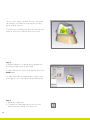
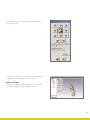
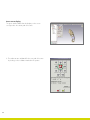
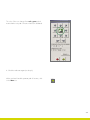
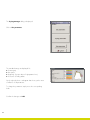
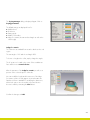
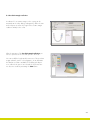
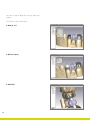
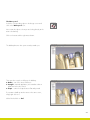
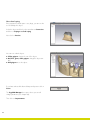
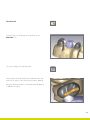
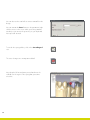
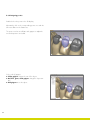
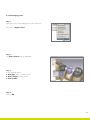
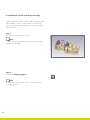
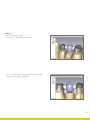
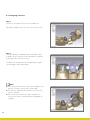
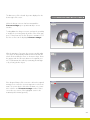
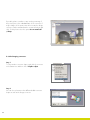
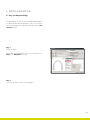
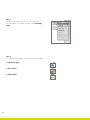
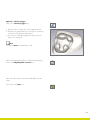
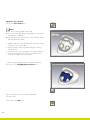
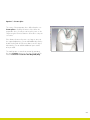
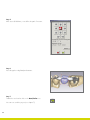
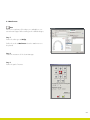
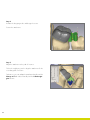
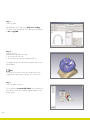
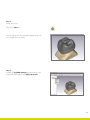
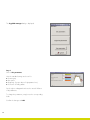
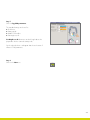
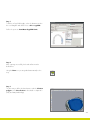
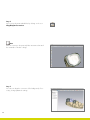
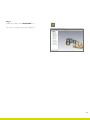
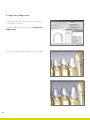
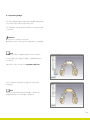
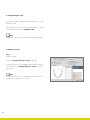
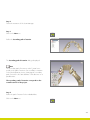
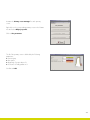
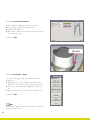
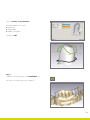
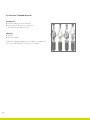
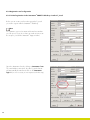
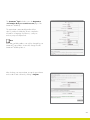
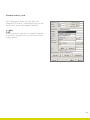
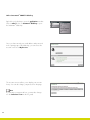
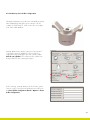
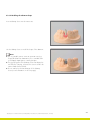
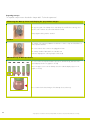
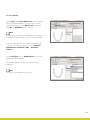
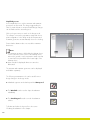
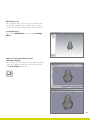
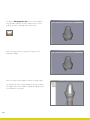
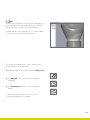
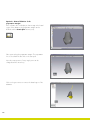
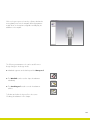
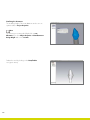
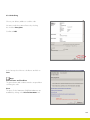
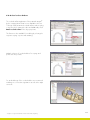
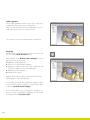
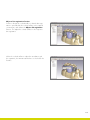
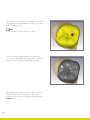
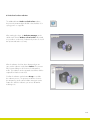
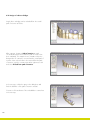
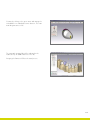
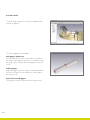
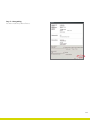
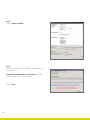
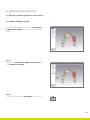
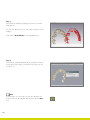
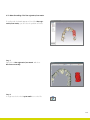
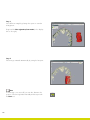
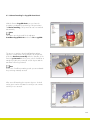
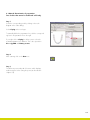
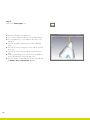
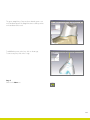
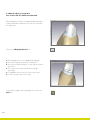
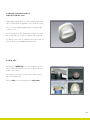
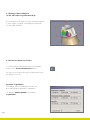
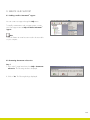
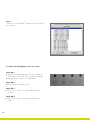
The Coping-manager dialog is displayed again. Click on Coping parameters. The default settings are displayed here for pp Wall thickness pp PL thickness pp Cutting angle pp Width of cut surface pp Ledge for ceramic (the start and end angle as well as the collar height) Ledge for ceramic The collar runs as standard from mesial to distal over the oral region. The start angle is 110° and the end angle 250°. To shorten or lengthen the collar, simply change the angles. The 0° position is located in the center of the vestibular surface and then runs counterclockwise. After the activation of the Ledge for ceramic you will see a preview of the selected option in 3D mode. You can modify the height and the extension of the ledge for ceramic via the colored grippers. As an alternative the familiar scroll bar is available for modifying the dimensions. When both options are selected the respective function becomes visible by activating the View button. Confirm the changes with OK. 43