1
CHAPTER
THREE
COMPILING THE APPLICATION
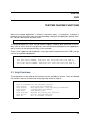
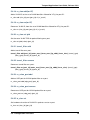
The testpmd application is compiled as part of the main compilation of the DPDK libraries and
tools. Refer to the DPDK Getting Started Guide for details. The basic compilation steps are:
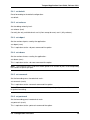
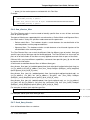
1. Set the required environmental variables and go to the source directory:
export RTE_SDK=/path/to/rte_sdk
cd $RTE_SDK
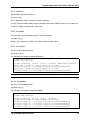
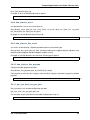
2. Set the compilation target. For example:
export RTE_TARGET=x86_64-native-linuxapp-gcc
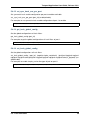
3. Build the application:
make install T=$RTE_TARGET
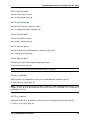
The compiled application will be located at:
$RTE_SDK/$RTE_TARGET/build/app/testpmd
4