1
Chapter 9: Using Graphical Views
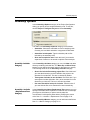
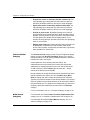
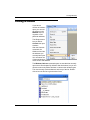
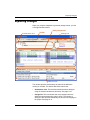
Graphical Notation
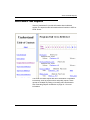
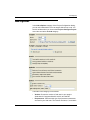
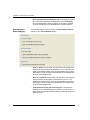
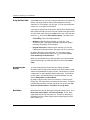
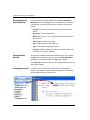
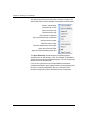
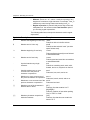
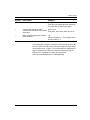
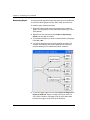
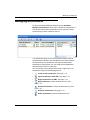
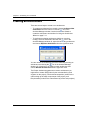
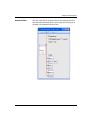
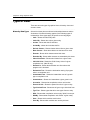
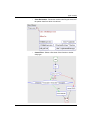
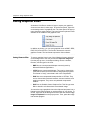
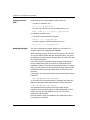
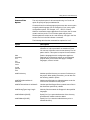
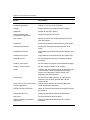
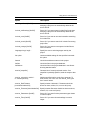
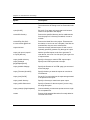
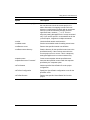
The following symbols are used by Understand 2.0 to represent
various language constructs.
9-16
•
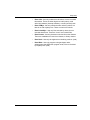
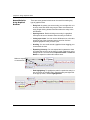
Most entities (such as functions and other program units) are
shown in rectangles.
•
Files and system-level entities are shown as double-bordered
rounded rectangles.
•
Classes and types are shown in flattened hexagons.
•
Unknown or unresolved entities are drawn with dashed outlines.
•
Oval denotes a variable.
•
A slash through a variable means it is a constant.
•
Other shapes are language-specific.
Understand 2.0 User Guide and Reference Manual