1
OpenShift All Versions User Guide
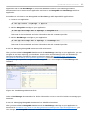
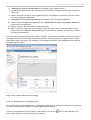
Figure 2.6. Select Application to Monitor
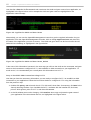
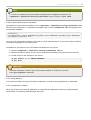
4. T he OpenShift Management Console will display the number of gears, along with the size of the
gears, used by the selected application, as highlighted in the figure below.
Figure 2.7. Application Resource Information
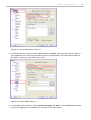
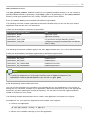
5. If you hover over the gear size information with your mouse, a popup message will display more
detailed information, showing exactly how the gears are being utilized, as shown in the figure
below.
Figure 2.8. Application Gear Details
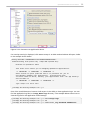
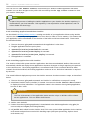
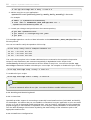
6. Because a scaled application is monitored by the HAProxy cartridge, this information is displayed
in the OpenShift Management Console under your application information, as highlighted in the
figure below. Click Scales with HAProxy to get information about testing the scaling function
of your application.
Figure 2.9. HAProxy Information
21