1
106
MICROMEDEX® HEALTHCARE SERIES
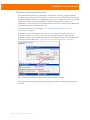
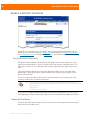
Print Ready
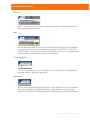
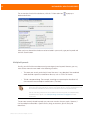
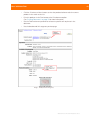
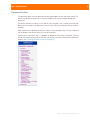
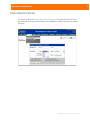
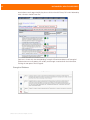
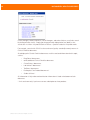
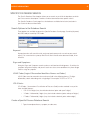
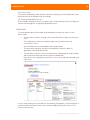
Select the Print Ready button or link when you wish to print the document in its entirety
(minus the outline, navigation buttons and links). The Print Ready option opens a new browser
window with the document shown as a print preview. Print by selecting the print option from
your Internet browser menu.
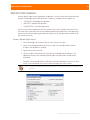
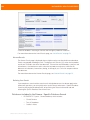
Print Setup
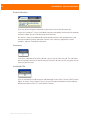
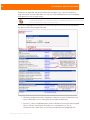
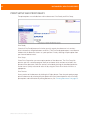
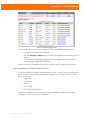
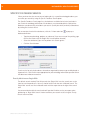
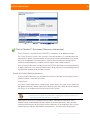
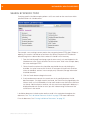
Select Print Setup when you want to print portions of the document. The Print Setup link
presents you with a selection page to allow you to choose which sections to include in the
printout of the document. For more print options and information on printing documents, see
“Printing Documents” on page 30.
©2009 Thomson Reuters. All rights reserved.