1
Simrad AP50 Autopilot
When your system includes connection of external equipment to
the NMEA0183 data ports in the junction unit or the NI300X
NMEA Interface, or if the GI51 Gyro Interface is installed with
optional compass units, they must be configured in the Interface
Menu. This procedure allows you to assign an abbreviated name
to identify the type of equipment that is connected to each of the
available hardware ports in the AP50 system.
Caution !
The ECS1 and ECS2 set-up items are intended for connection
to professional navigators where the radius for the course
change is preset in the chart system. This turn radius will
allow the ship to turn before the waypoint is reached and
enables the AP50 to follow a route seamlessly.
Note !
Confirmation for course change by the user will not be required.
Users navigating in this mode must show extra caution!
When connecting a GPS or a Chartplotter, use the GPS1 or
GPS2 set-up item.
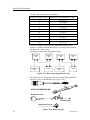
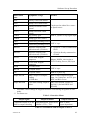
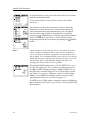
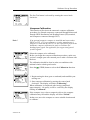
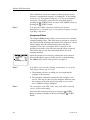
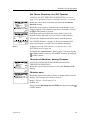
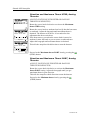
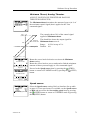
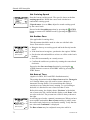
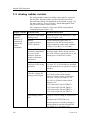
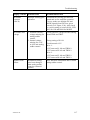
The Interface Set-up Menu presents names so that they can be
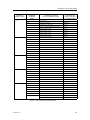
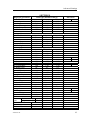
assigned to the hardware input or output port (see Table 3-1 on
page 61. Each abbreviated name is then presented in the
appropriate locations of the User Set-up Menu (see Operator
Manual) to provide the user with choices of data sources.
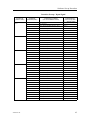
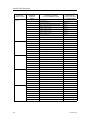
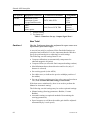
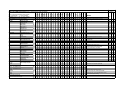
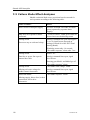
Upon completion of the Interface Set-up, it is recommended that
the configuration be recorded in the Interface Set-up Table on
page 63.
60
20222410 / B