1
rBOX610 Linux
6.
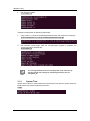
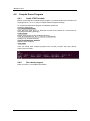
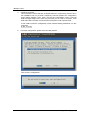
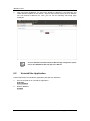
After successful installation, the App LAN1 default IP address is 192.168.0.254 and
LAN2 default IP address is 192.168.10.1. Open a web browser and key in the IP address
into web browser’s address bar. Then you can see the following web.config page
displayed.
For more detailed information about the Web and App configuration, please
refer to the rBOX610-FL Web and App User's Manual.
Note
6.2
Uninstall the Application
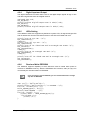
Follow steps below to uninstall the application package from rBOX610.
1.
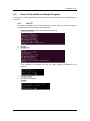
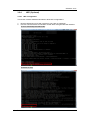
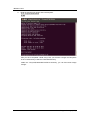
Execute uninstall.sh to uninstall the application.
$ cd /root
$ sh uninstall.sh
2.
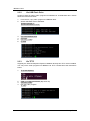
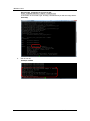
Reboot rBOX610.
$ reboot
58
Application Software