1
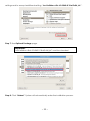
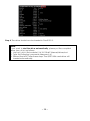
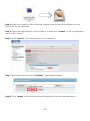
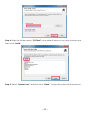
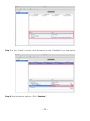
Step 6: Click the SAN volume path and then right click “Mount.”
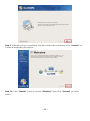
When you see “Mount Status” is “Mounted”, it means the client has mounted to the MDC
successfully.
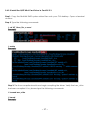
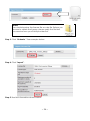
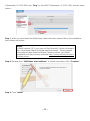
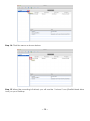
Step 7: Finally, click the “Computer” icon on your desk top. See client local hard disks and
SAN hard disk storage location and capacity status as shown below:
4.3 MAC Client
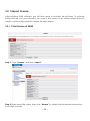
4.3.1 Install SANit Client on Mac Platform
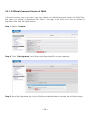
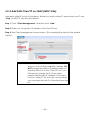
Add each client IP to join the SAN group. Before you add a client IP, ensure that your
~ 49 ~