1
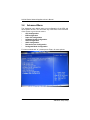
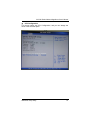
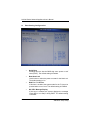
NA-340 Series Network Appliance User’s Manual 52 Boot Setting Configuration Quick Boot Enabling this item lets the BIOS skip some power on self tests (POST). The default setting is Enabled. Boot Num-Lock Use this item to select the power-on state for the NumLock. The default setting is On. Wait For ‘F1’ Of Error If this item is enabled, the system waits for the F1 key to be pressed when error occurs. The default setting is Enabled. Hit ‘DEL’ Message Display If this item is enabled, the system displays the message “Press DEL to run Setup” during POST. The default setting is Enabled. AMI BIOS Setup Utility