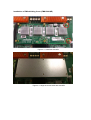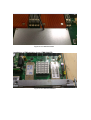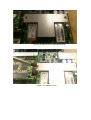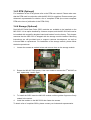
1
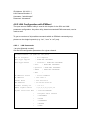
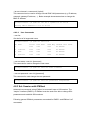
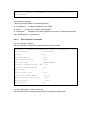
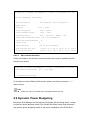
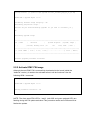
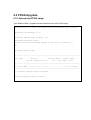
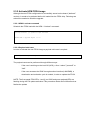
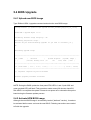
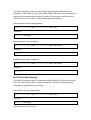
# ipmitool -I lanplus <IP-Address> -U <User> -P <Password> sol set SOL set parameters and values: set-in-progress set-complete | set-in-progress | commit-write enabled true | false force-encryption true | false force-authentication true | false privilege-level user | operator | admin | oem character-accumulate-level <in 5 ms increments> character-send-threshold N retry-count N retry-interval <in 10 ms increments> non-volatile-bit-rate volatile-bit-rate 4.8.3.2 serial | 9.6 | 19.2 | 38.4 | 57.6 | 115.2 serial | 9.6 | 19.2 | 38.4 | 57.6 | 115.2 SOL Session Activation Finally, the IPMItool “sol activate” command need to be issued to establish the SOL session from remote. # ipmitool -I lanplus <IP-Address> -U <User> -P <Password> sol activate [SOL Session operational. Use ~? for help] … ~. [terminated ipmitool] To terminate an active IPMItool SOL session, please use the key sequence“~” + “.” (tilde and dot). Note: There can only be one Serial over LAN session active at once! 4.9 Dynamic Power Budgeting Before the Shelf Manager can activate an ATCA blade (M4 Hot Swap state), it needs to check the power demand of that FRU (PICMG Get Power Level IPMI command) and perform power budgeting based on the power capabilities of the ATCA Shelf.