1
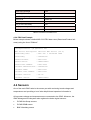
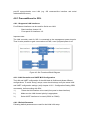
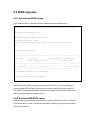
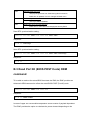
ipmitool -I lanplus -H <IP-Address> -U <User> -P <Password> sol
<SOL-Command>
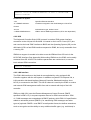
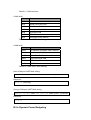
Command Line Syntax:
-I lanplus Specifies RMCP+ as desired protocol
-H <IP-Address>
-U <User>
IP address assigned to the IPMC
User account, default “administrator”
-P <Password>
Password used with specified user account (default password for
user “administrator” is “advantech”)
4.8.3.1
SOL Parameter Commands
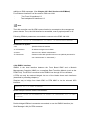
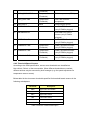
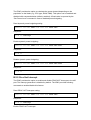
- sol info [channel number]
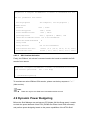
Read out the SOL configuration parameters for a given channel.
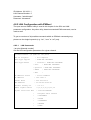
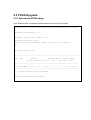
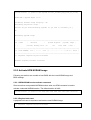
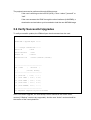
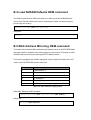
# ipmitool -I lanplus <IP-Address> -U <User> -P <Password> sol info
Set in progress
Enabled
: set-complete
: false
Force Encryption
Force Authentication
Privilege Level
: true
: true
: ADMINISTRATOR
Character Accumulate Level (ms) : 250
Character Send Threshold
Retry Count
Retry Interval (ms)
Volatile Bit Rate (kbps)
: 32
: 2
: 1000
: 115.2
Non-Volatile Bit Rate (kbps)
: 115.2
Payload Channel
: 7 (0x07)
Payload Port
: 623
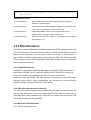
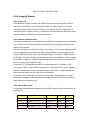
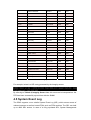
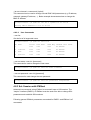
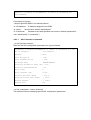
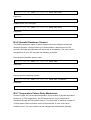
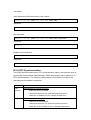
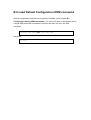
- sol set <parameter> <value> [channel]
This command allows modifying special SOL configuration parameters.