1
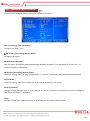
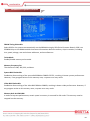
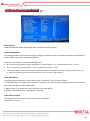
AC97 Audio
Select Auto to enable the AC97 audio function.
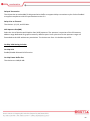
Init Display First
This item allows you to active PCI slot or onboard display first from PCI slot, Onboard/AGP.
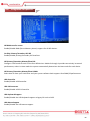
IDE HDD Block Mode
Enable this to improve IDE transfer performance if your IDE devices support block mode transfers.
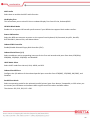
Power ON Function
Select the different manners to power on the system from Keyboard, 98, Password, Any KEY, Hot KEY,
BUTTON ONLY, Mouse Click, and Mouse Move.
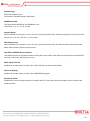
Onboard FDC Controller
Enable/Disable Onboard Floppy Disk Controller (FDC).
Onboard Serial Ports (1, 2)
Select an address and corresponding interrupt for the first and second serial ports from Auto, 3F8/IRQ4,
3E8/IRQ4, 2F8/IRQ3, 2E8/IRQ3, and Disabled.
UART Mode Select
Select UART mode from Normal, IrDA, ASKIR, and SCR.
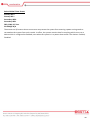
Onboard Parallel Port
Configure the I/O address of the onboard parallel port controller from 378/IRQ7, 278/IRQ5, 3BC/IRQ7, and
Disabled.
Parallel Port Mode
Select an operating mode for the onboard parallel (printer) port from Normal, Compatible, or SPP unless you
are certain your hardware and software both support one of the other available modes.
The choices: SPP, ECP, EPP, ECP + EPP.
37