1
Instrument front panel, interface, and rear panel
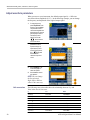
Default setup
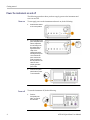
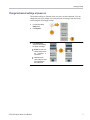
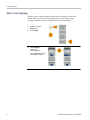
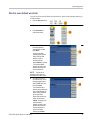
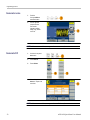
When you want to restore the instrument settings to the default values, use the
front-panel Utility button as follows:
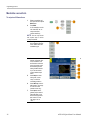
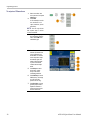
1.
Push the front-panel
Utility button.
2.
Press System.
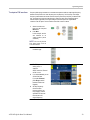
3.
Press Set to Default.
4.
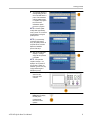
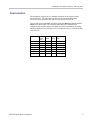
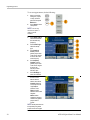
Select one of the following:
S e l e c t to recall the default settings;
the instrument will display a 1 kHz
frequency, 1 Vp-p amplitude sine
waveform as the default setup.
Cancel to cancel the recall and
return to the previous menu.
AFG1022 Quick Start User Manual
15