1
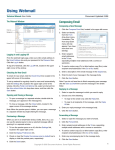
Enter an email address in the “To” field, and enter a subject. Next, type your message.
When finished click the send button near the bottom of the page.
When composing an email, click the “attach a file” link.
You will be given a window which allows you to browse your computer for the file you want to
attach. When you find the file, highlight it and click the open button.
Wait for your file to be uploaded before continuing. A blue progress bar shows the upload
progress of the upload.
Once the attachment has been uploaded, you can add additional attachments, or just continue
with your email as normal.
5